Zendesk Ticket
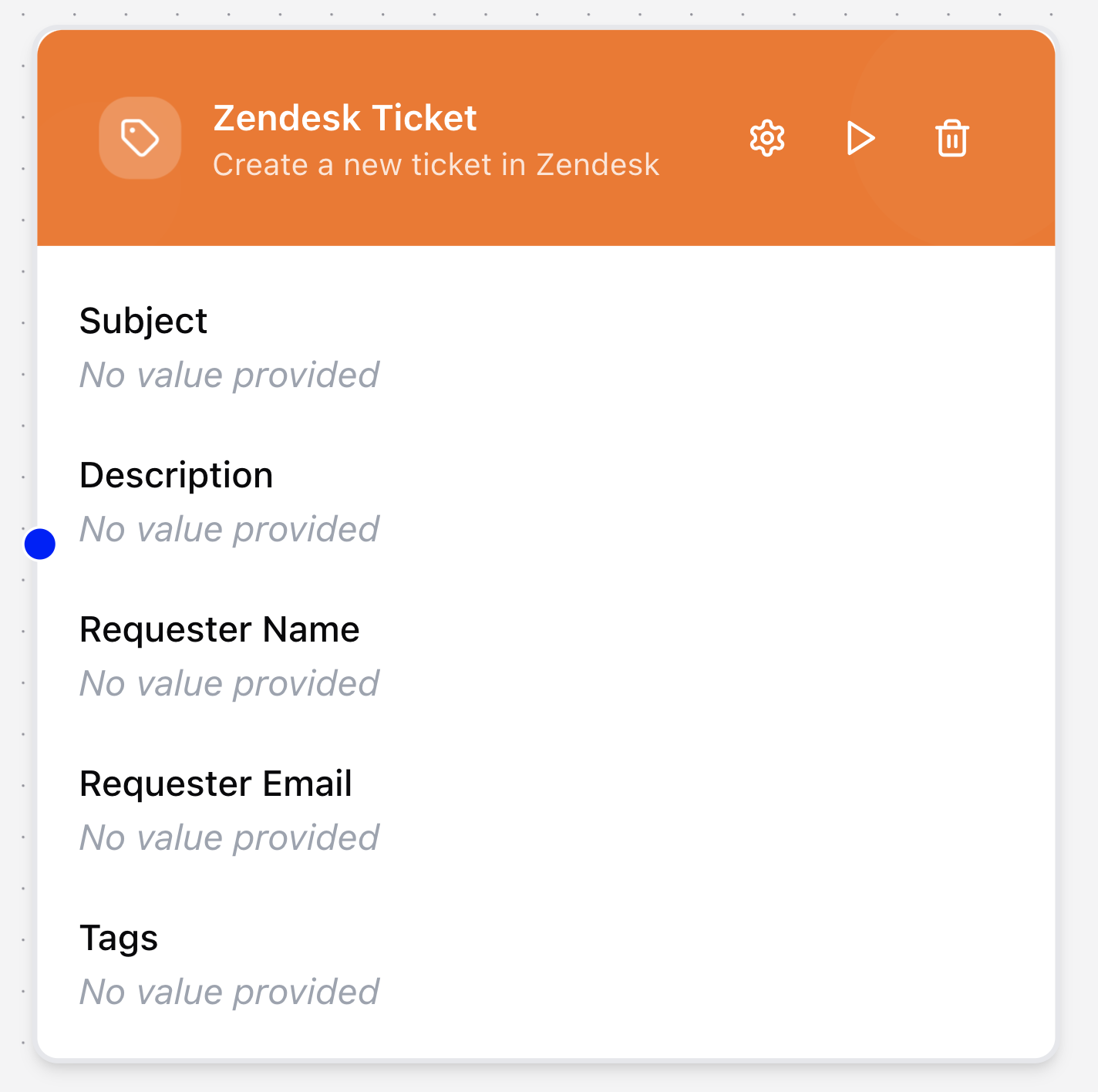
The Zendesk Ticket node creates new tickets in Zendesk through the API. It enables workflows to automatically escalate customer issues, log requests, or generate follow-up tasks directly in your Zendesk support system.
Configuring the node
- Click in the node header.
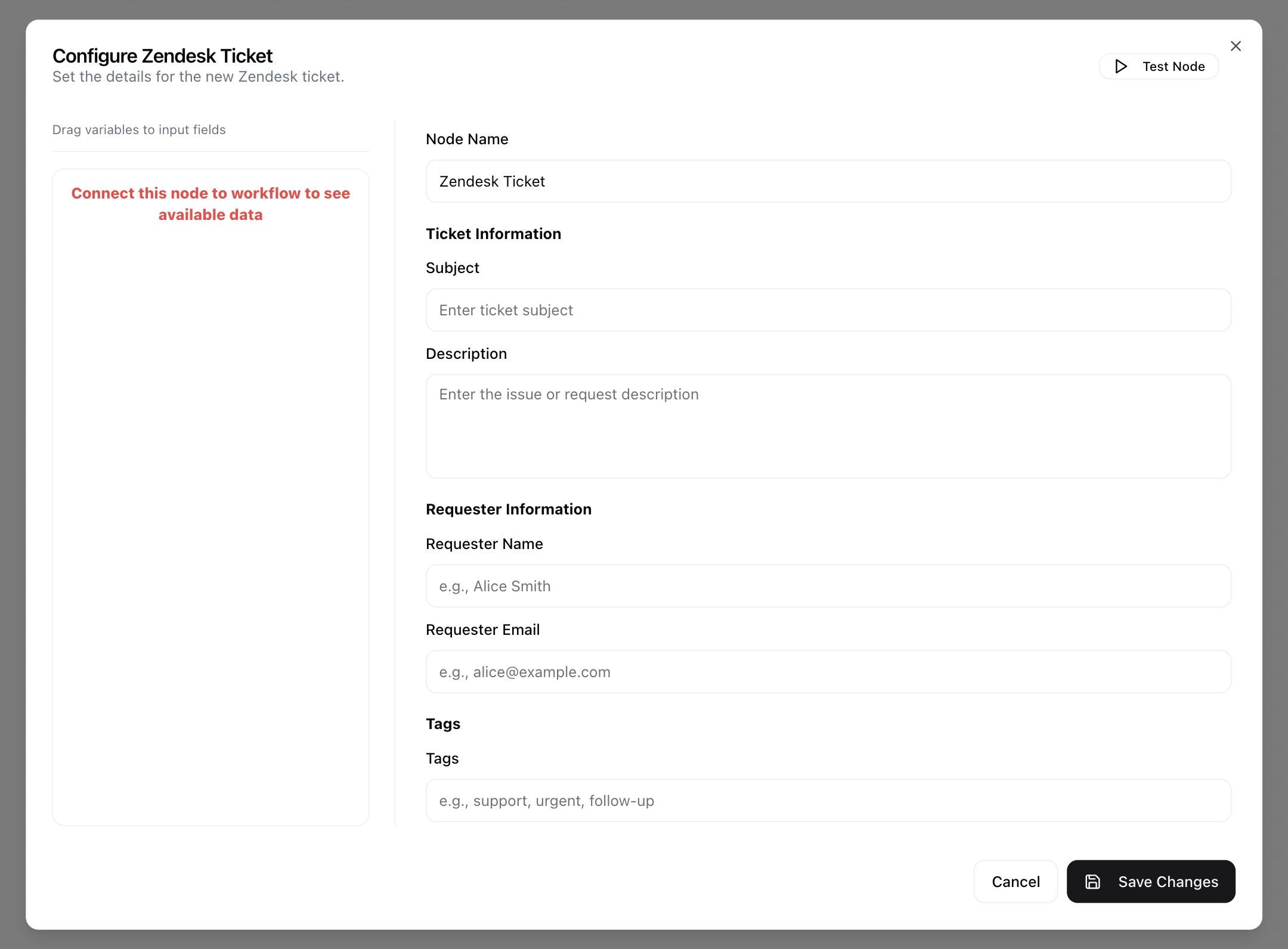
- The Configure Zendesk Ticket dialog will open.
- Enter the Node Name.
- Provide the Subject of the ticket.
- Enter the Description with details about the issue or request.
- Enter the Requester Name.
- Enter the Requester Email.
- Add any relevant Tags (e.g., support, urgent, follow-up).