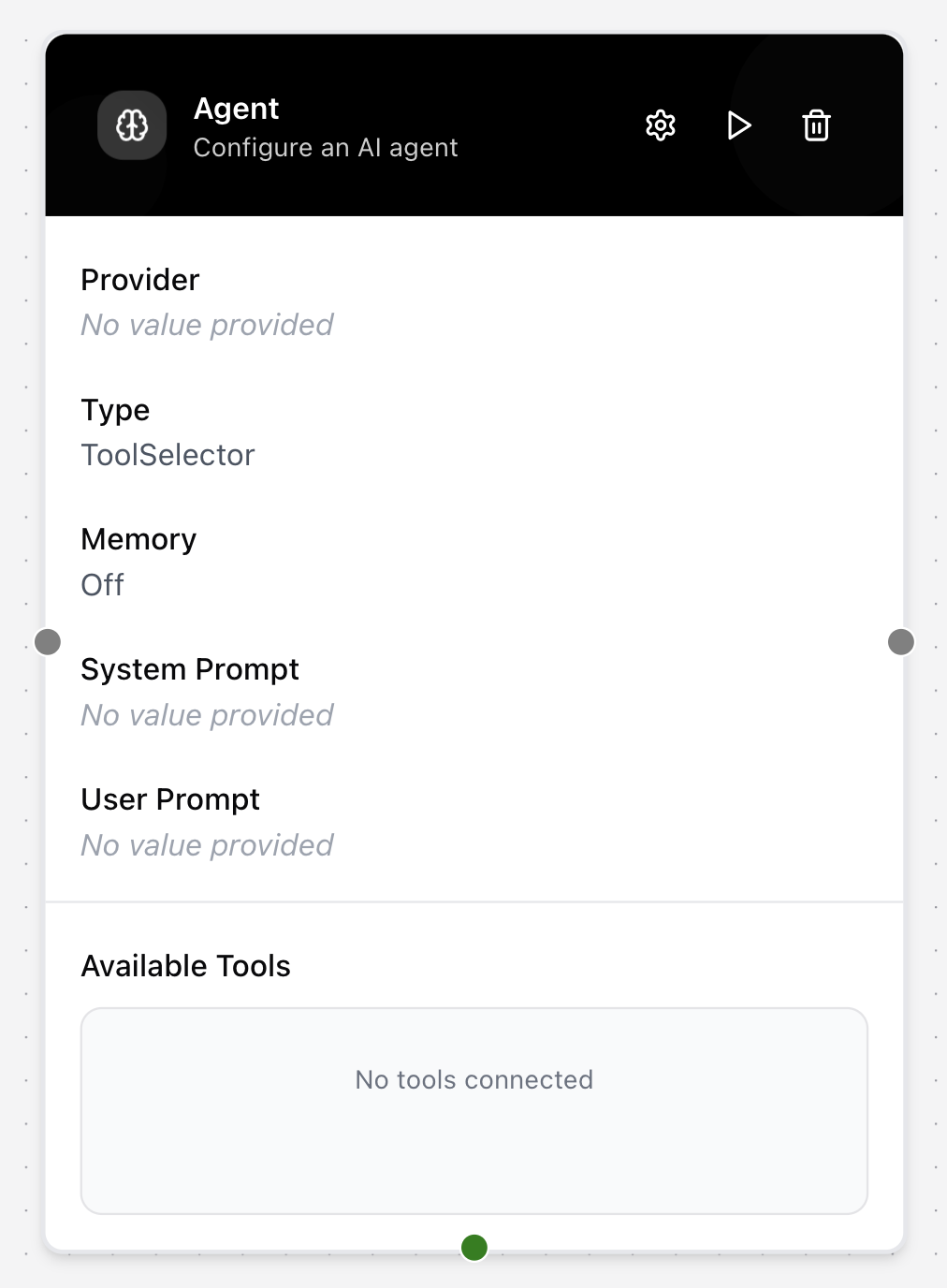
Agent
The Agent node acts as an advanced LLM that can use a set of predefined “tools” to perform actions. This allows it to complete more complex tasks by interacting with other nodes.
To make a tool available to the agent, you must first connect the tool node (e.g., a Knowledge Base node) to a Tool Builder node. The Tool Builder node then gets connected to the Agent node’s Available Tools input. This process allows the Agent to understand and utilize the capabilities of the connected tools.
Configuring the node
- Click on the node’s header.
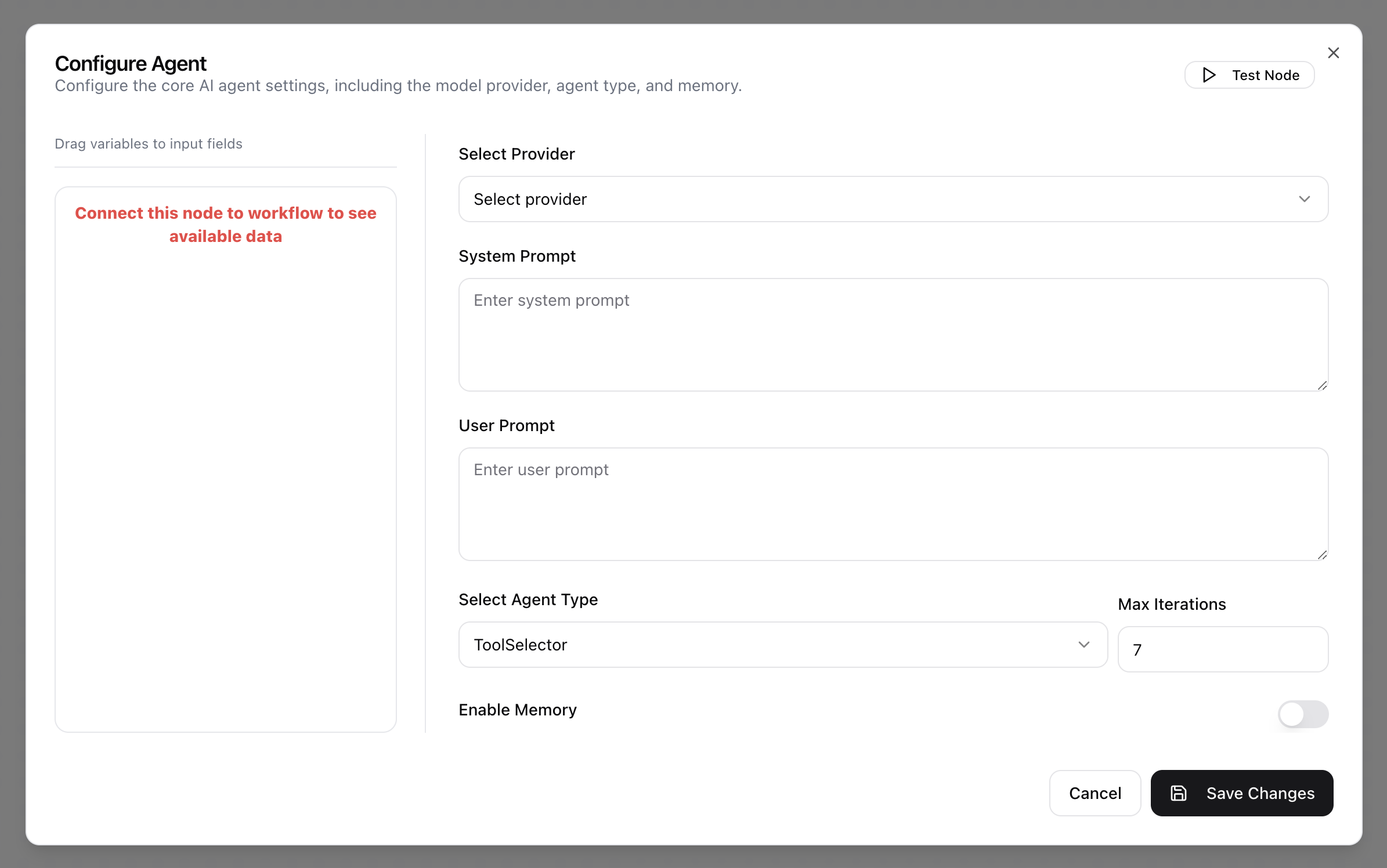
- The Configure Agent dialog will appear.
- Select a preconfigured LLM Provider.
- Enter a System Prompt to define the agent’s persona and how it should use the available tools.
- Enter a User Prompt.
- Select an Agent Type (ReActAgent, ToolSelector, SimpleToolExecutor, or ReActAgentLC).
- Set Max Iterations to limit the number of steps the agent can take.
- Toggle Enable Memory on to allow the agent to remember the context of the conversation.