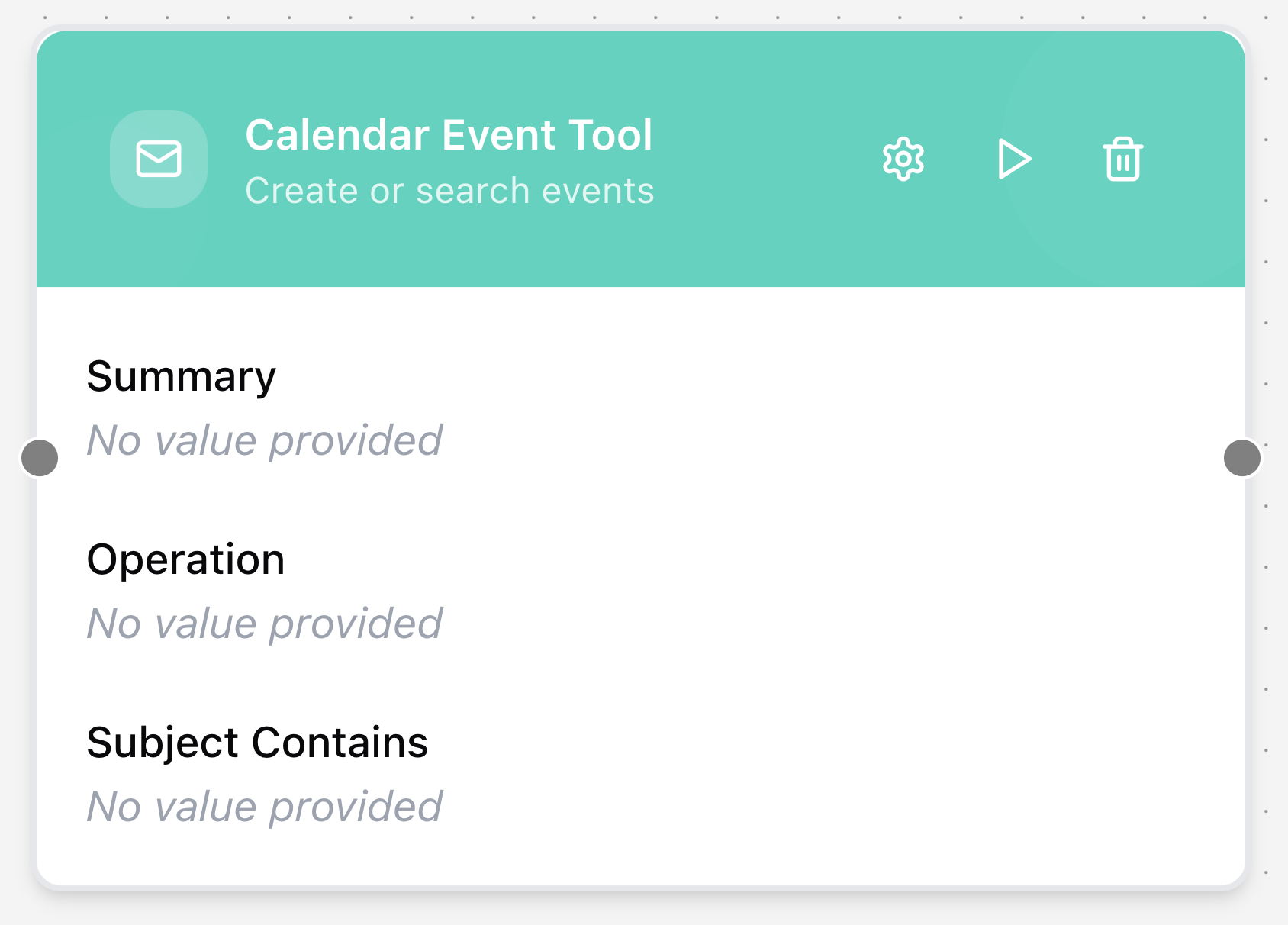
Calendar Event Tool
The Calendar Event Tool node interacts with connected calendar services to create, search, and manage events. Use it to schedule meetings or query existing events via Gmail or Office365 connectors.
Configuring the node
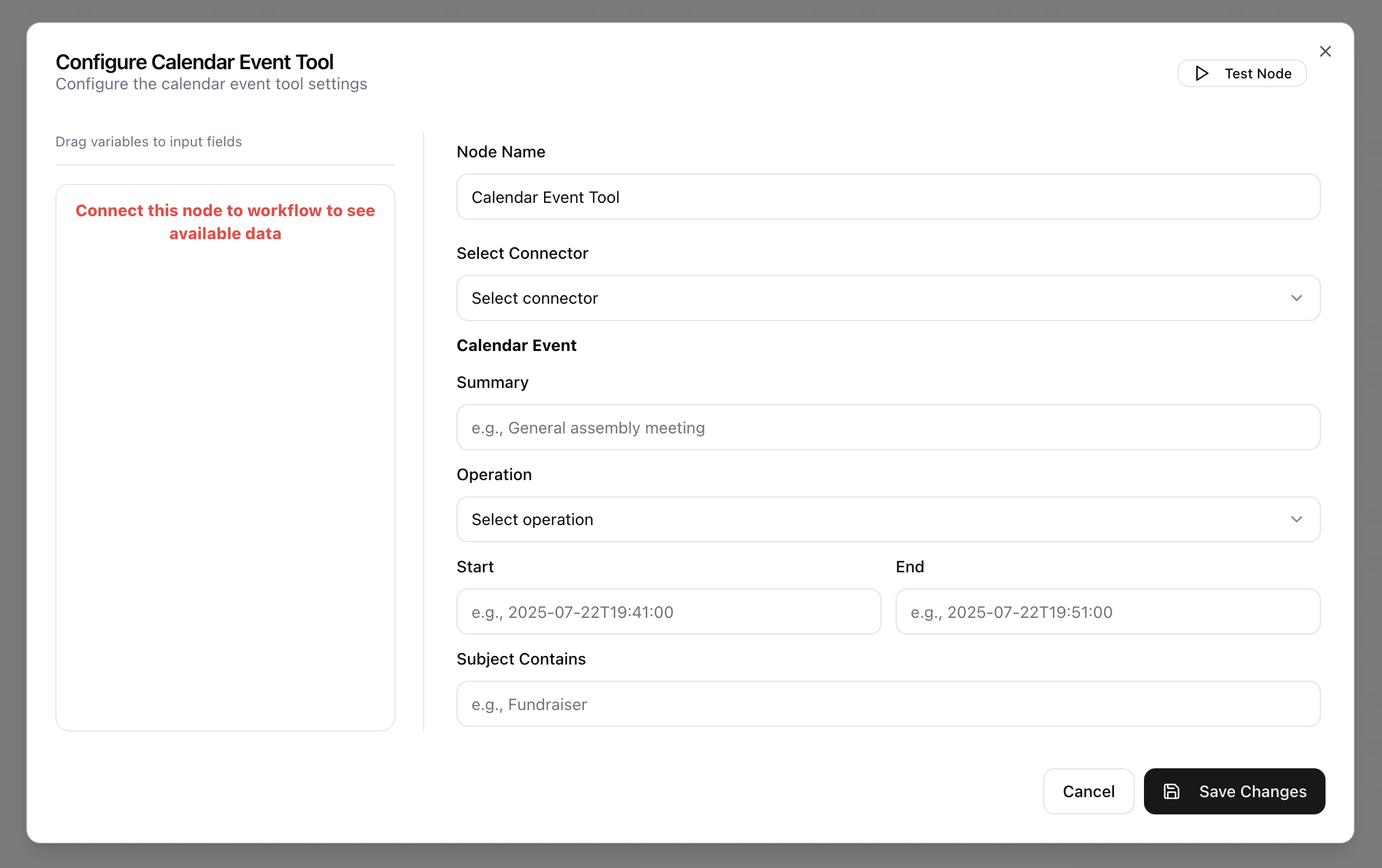
- Click in the node header.
- The Configure Calendar Event Tool dialog will open.
- Enter the Node Name.
- Select Connector from the drop-down menu. This must be a preconfigured data source of type Gmail or Office365.
- Provide the Summary for the event (used as the event title).
- Specify the Operation (e.g.,
create_calendar_eventorsearch_calendar_events). - Enter the Start time in ISO 8601 format (
[YYYY]-[MM]-[DD]T[HH]:[MM]:[SS]). - Enter the End time in ISO 8601 format (
[YYYY]-[MM]-[DD]T[HH]:[MM]:[SS]). - Specify Subject Contains to filter events whose subject includes the given text.