Template
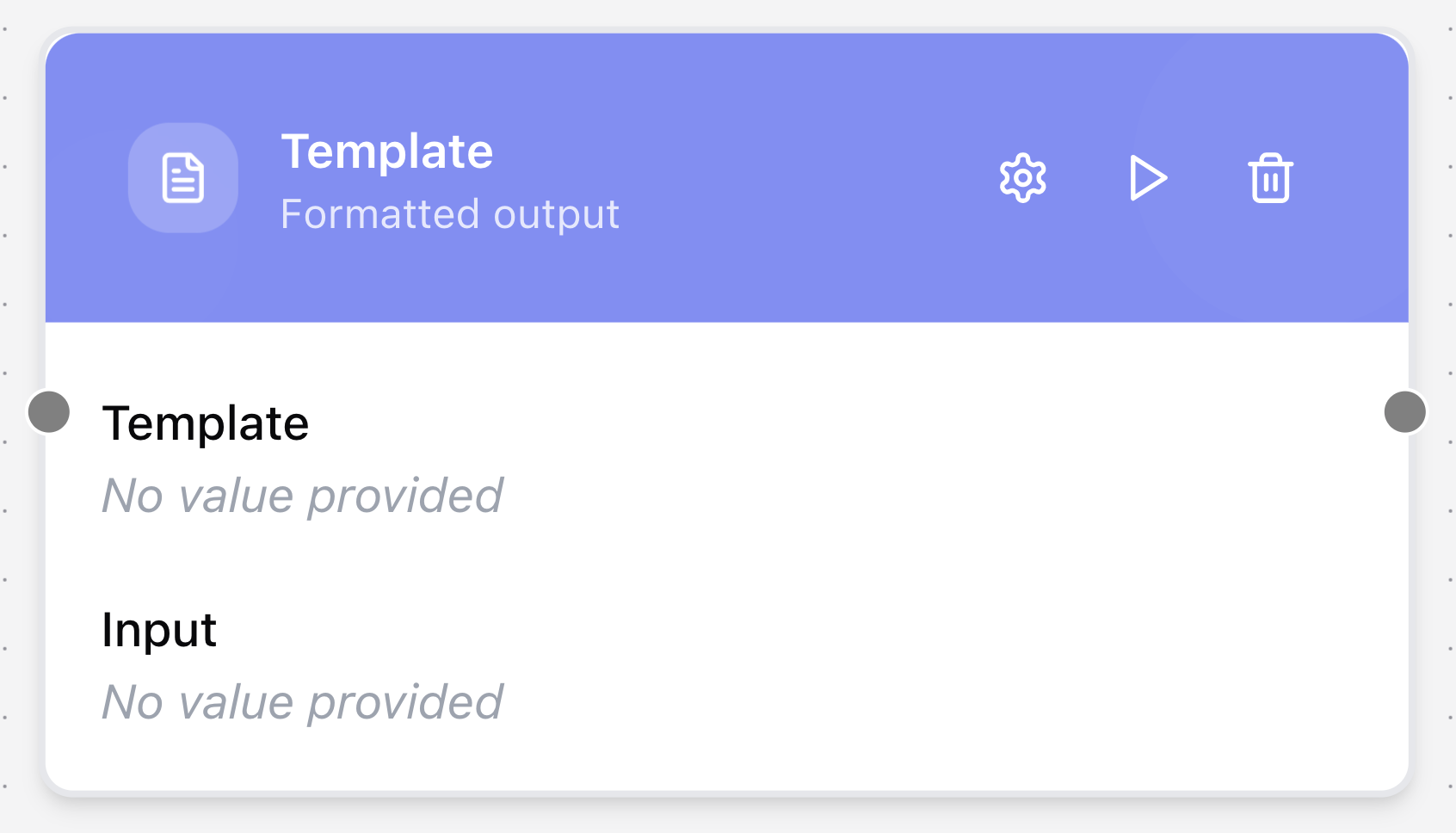
The Template node is used to shape or format output. It lets you build custom text or structured content by injecting parameters into a predefined template string. This is useful for pulling out specific attributes from a node’s output (e.g., an object) or for formatting data before passing it to the next node.
Configuring the node
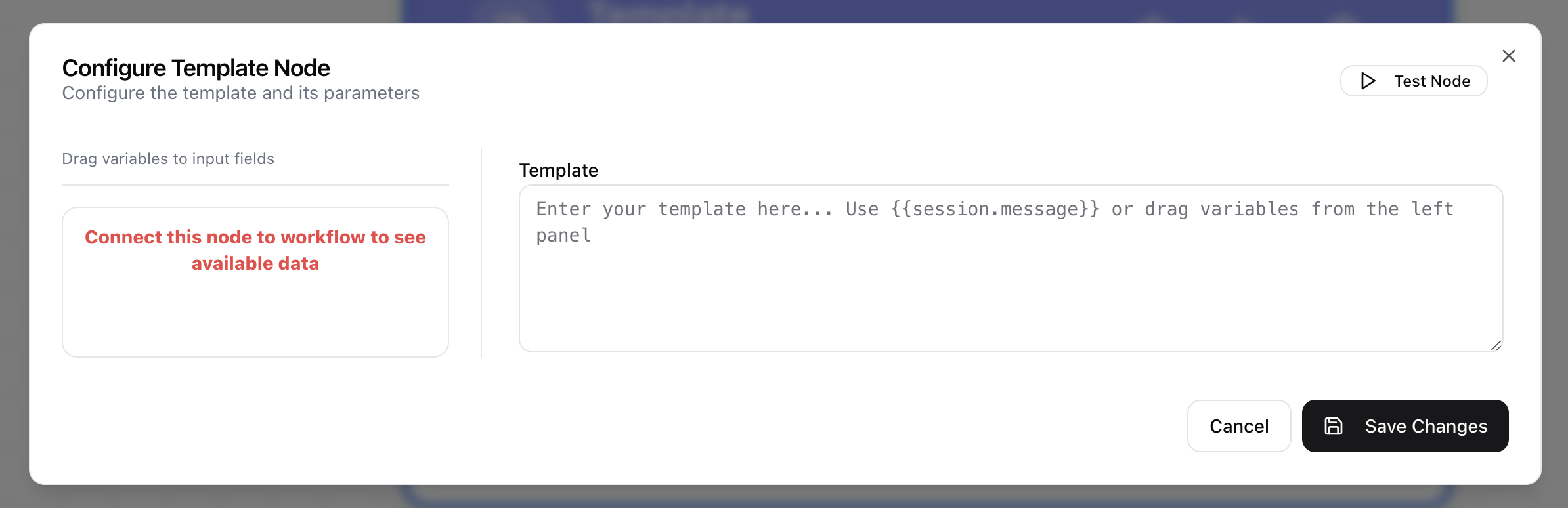
- Click in the node header.
- The Configure Template Node dialog will open.
- Define the Template string, adding parameters where needed.