Tool Builder
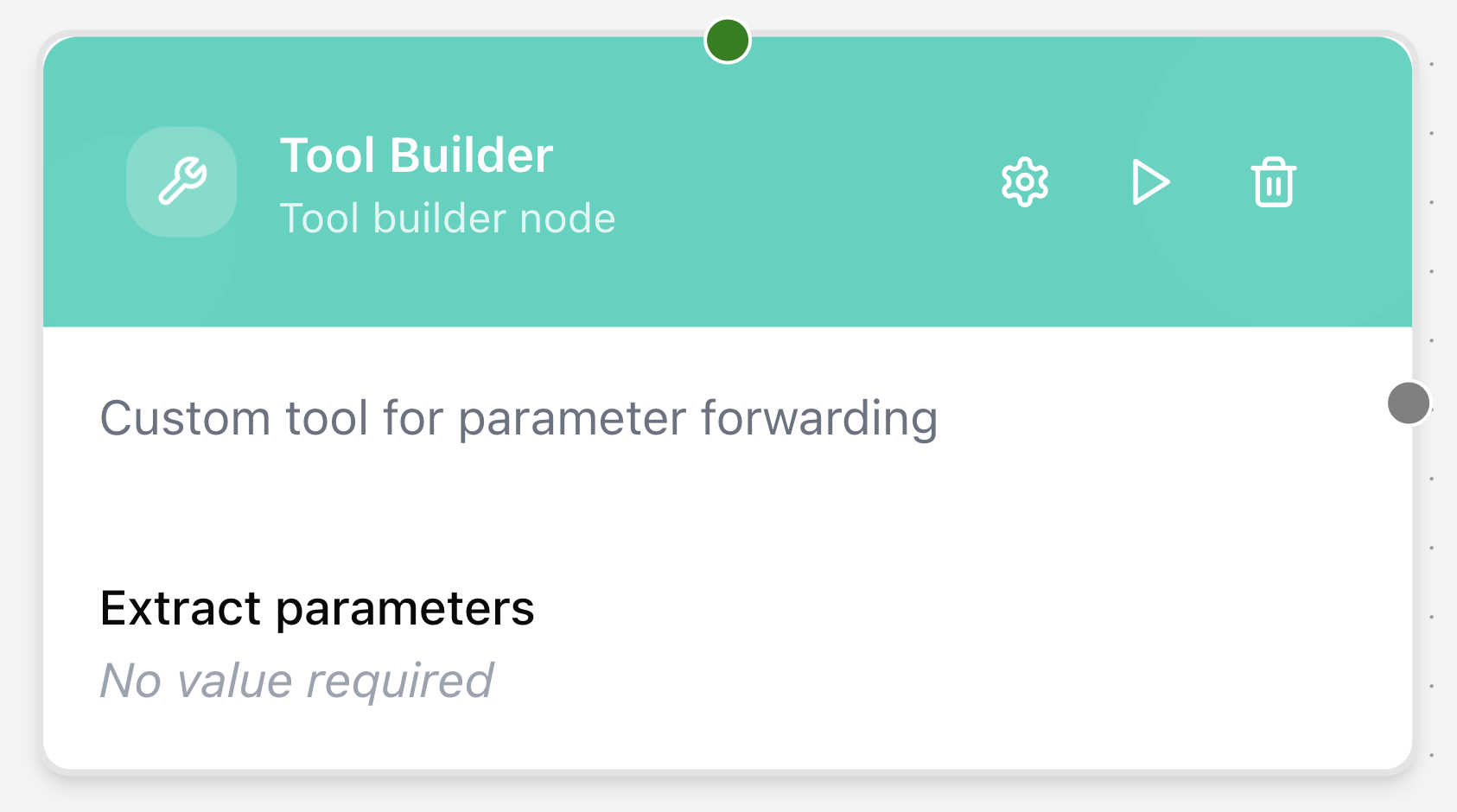
The Tool Builder node acts as a bridge between a tool node (e.g., a Knowledge Base node) and an Agent node. It wraps the functionality of the tool node, giving it a clear name, description, and set of parameters that the agent can understand and decide when to use.
Configuring the node
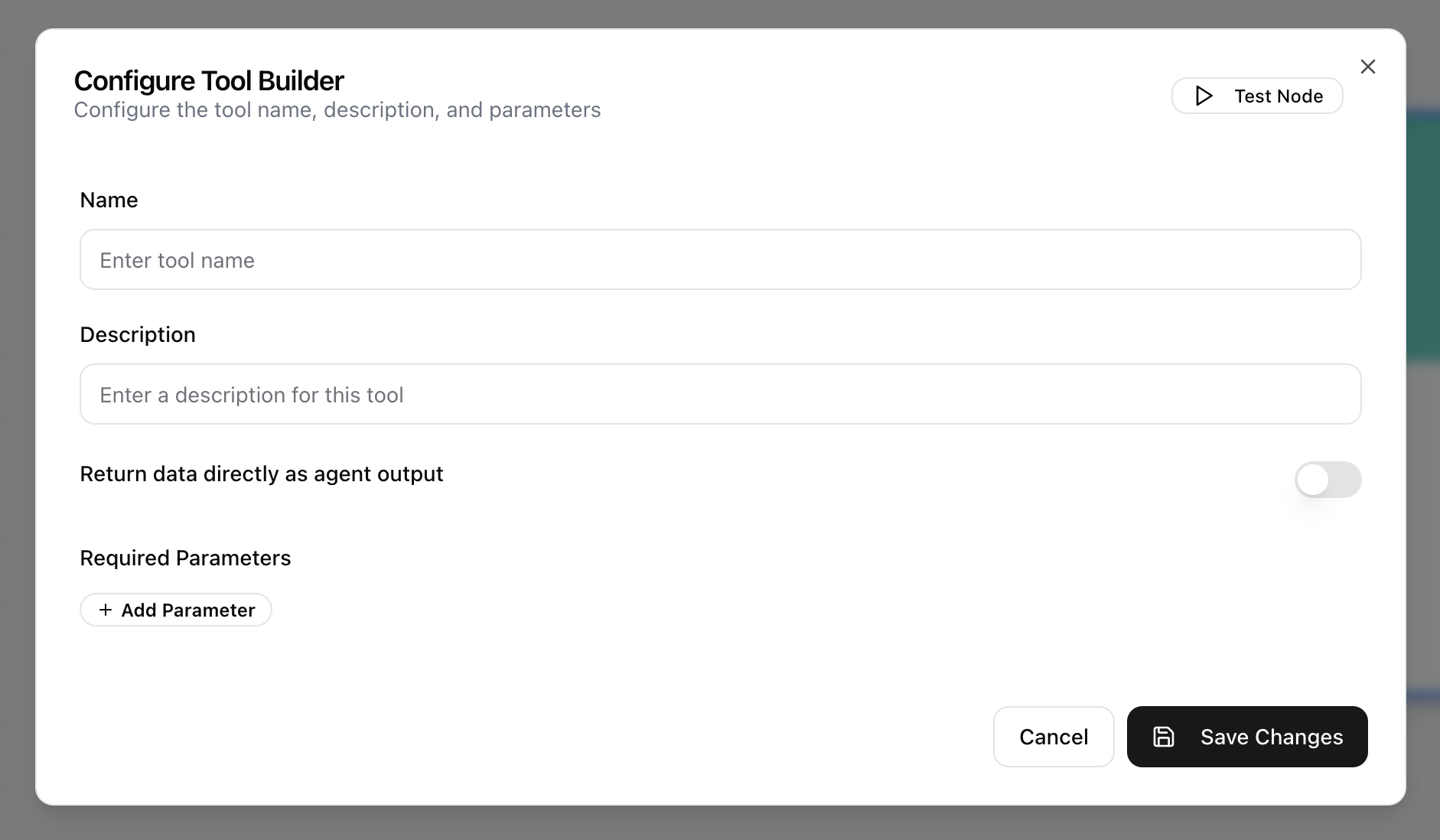
- Click on the node’s header.
- The Configure Tool Builder dialog will appear.
- Provide a descriptive Name for the tool.
- Enter a clear Description that explains what the tool does. This is critical for the agent’s reasoning.
- Toggle Return data directly as agent output on if the tool’s result should be sent immediately as the final response. If off, the result is sent back to the agent for further processing.
- Define the Required Parameters for the tool.