LLM Model
The LLM Model node is a core component for interacting with a Large Language Model (LLM). It sends a prompt to a selected provider and returns the generated response, enabling tasks like answering questions, summarizing text, or engaging in conversation.
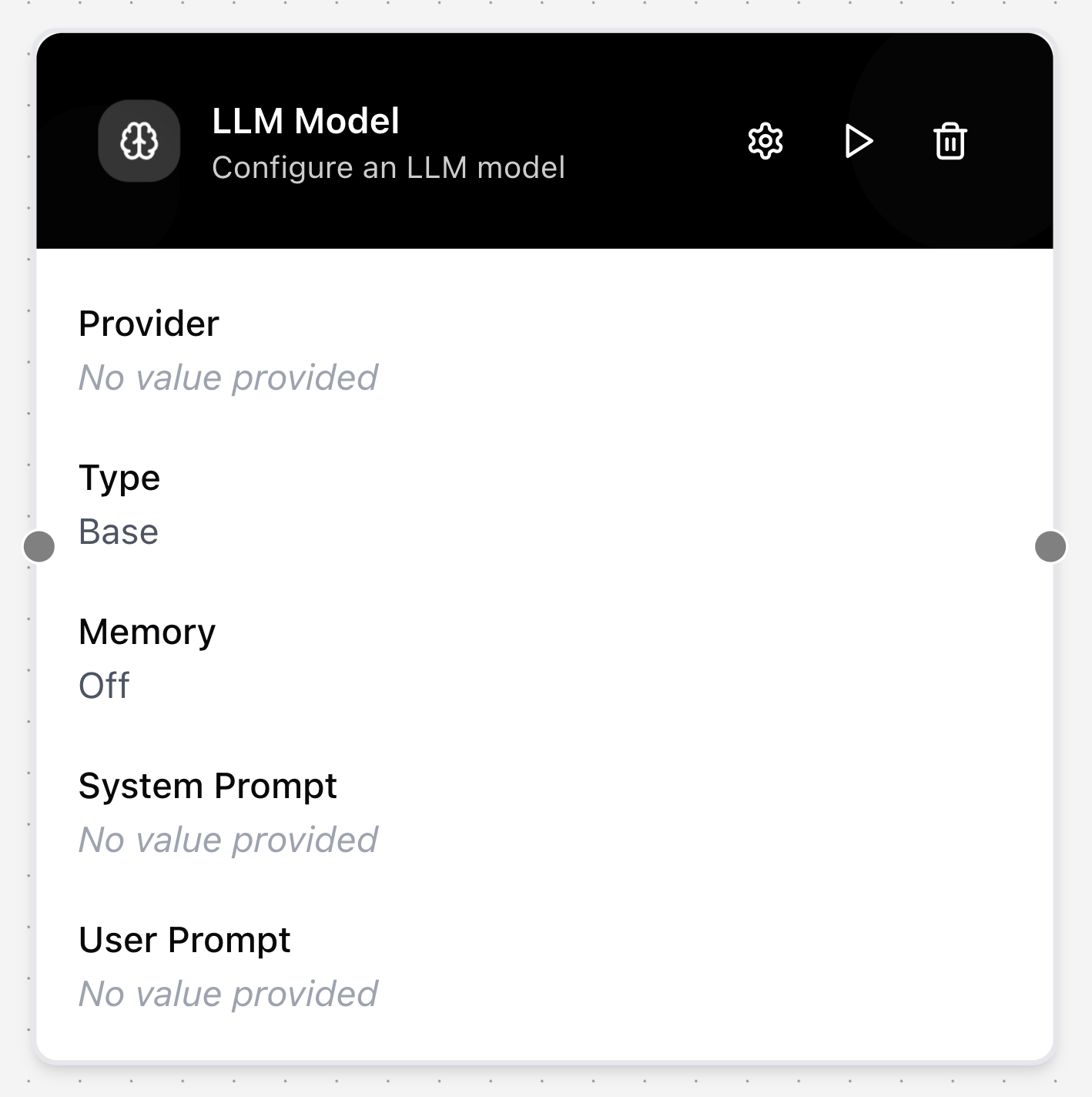
Configuring the node
- Click on the node’s header.
- The Configure LLM Model dialog will appear.
- Select a preconfigured LLM Provider.
- Enter a System Prompt to define the model’s persona or provide high-level instructions.
- Enter a User Prompt.
- Select an Agent Type (either Base or Chain-of-Thought).
- Toggle Enable Memory on to allow the model to remember the context of the current conversation.
