Router
The Router node introduces branching logic into a workflow. It evaluates conditions and directs execution down different paths depending on whether the criteria are met.

Configuring the node
- Click in the node header.
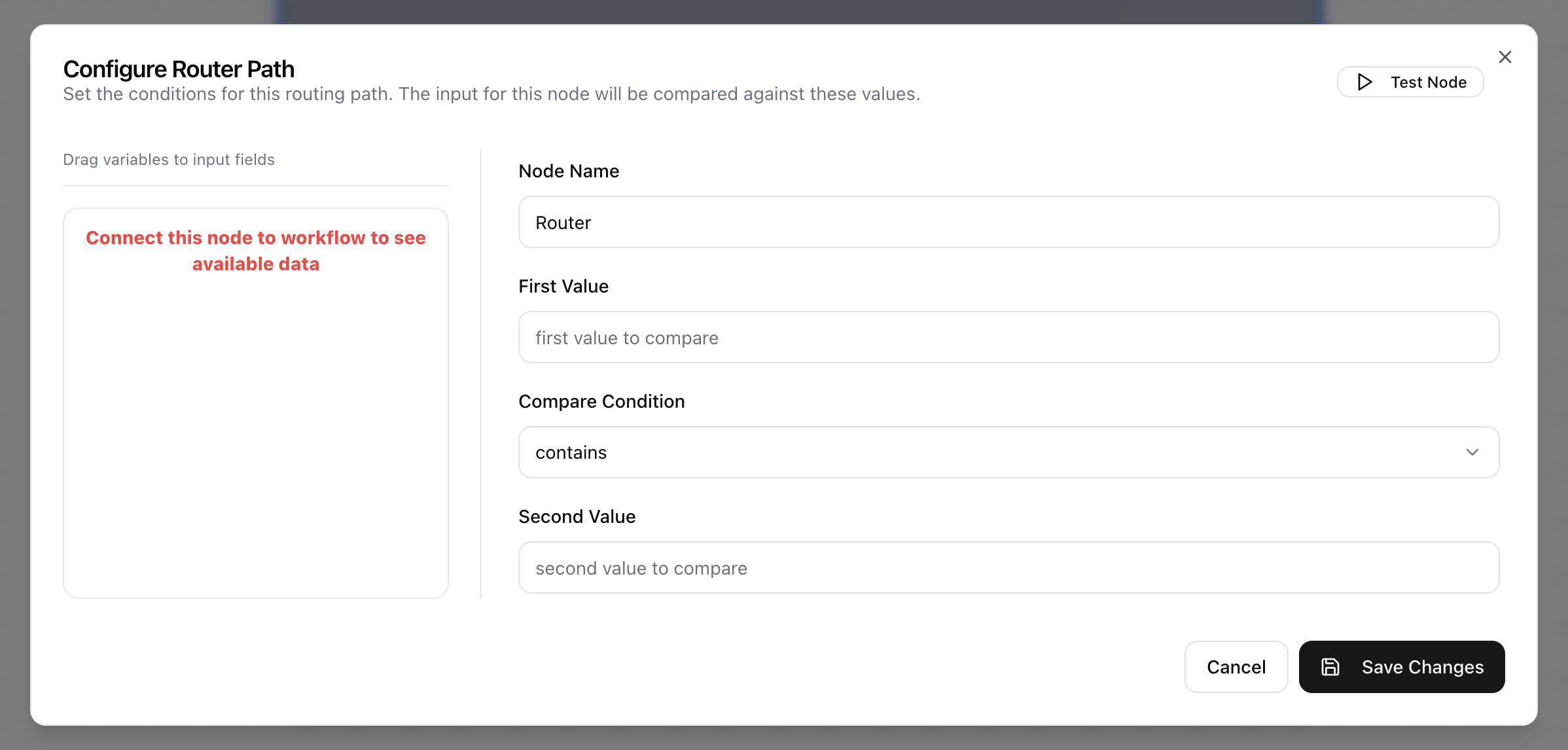
- The Configure Router Path dialog will open.
- Enter the Node Name.
- Enter the First Value.
- Select a Compare Condition to define how the first value will be compared against the second value (e.g., equal, contains, starts with, ends with).
- Enter the Second Value.