SQL Generator
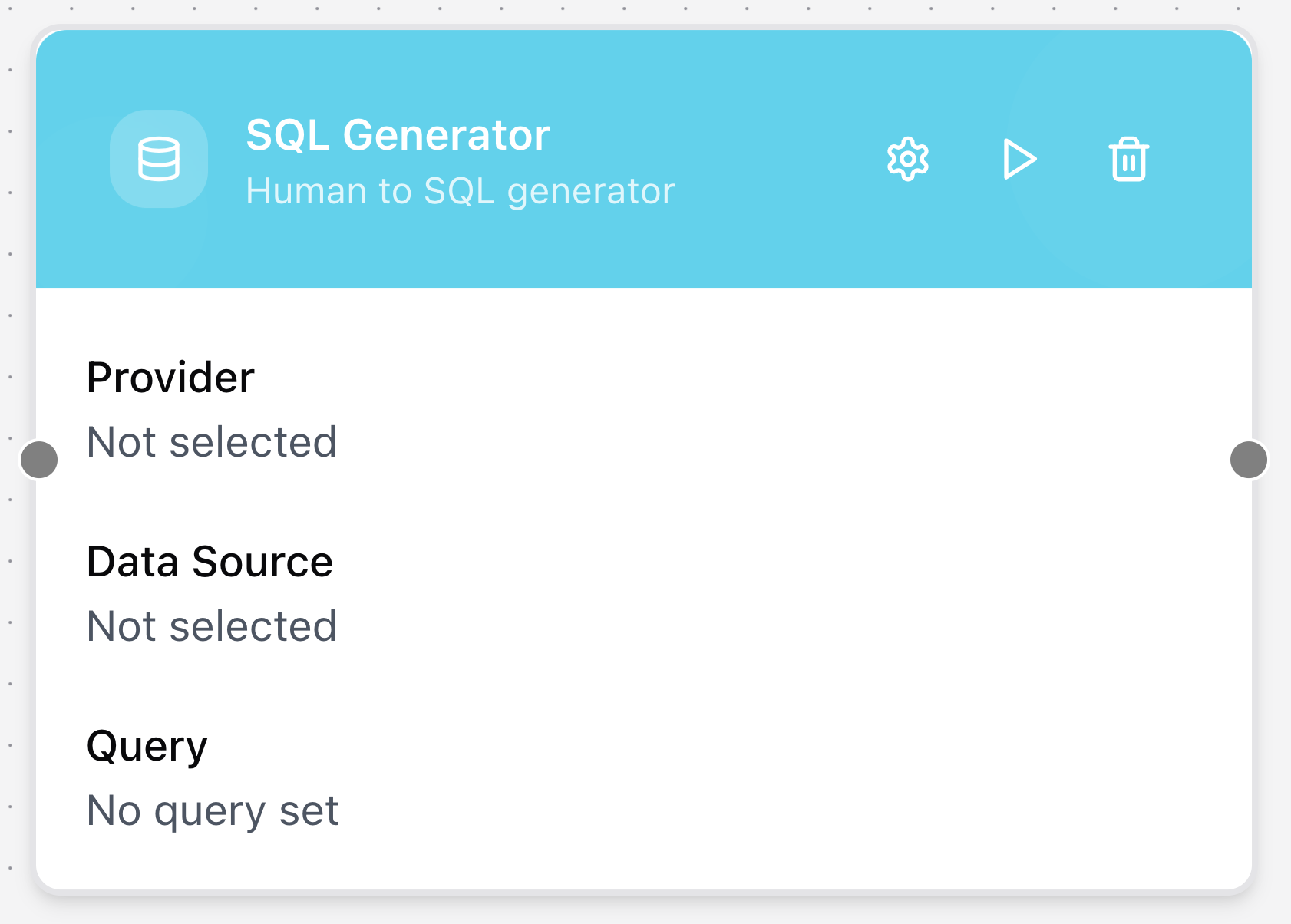
The SQL Generator node converts natural language requests into SQL queries. It uses an LLM to interpret human input and produce executable SQL, allowing workflows to interact directly with relational databases.
Configuring the node
- Click in the node header.
- The Configure SQL Generator dialog will open.
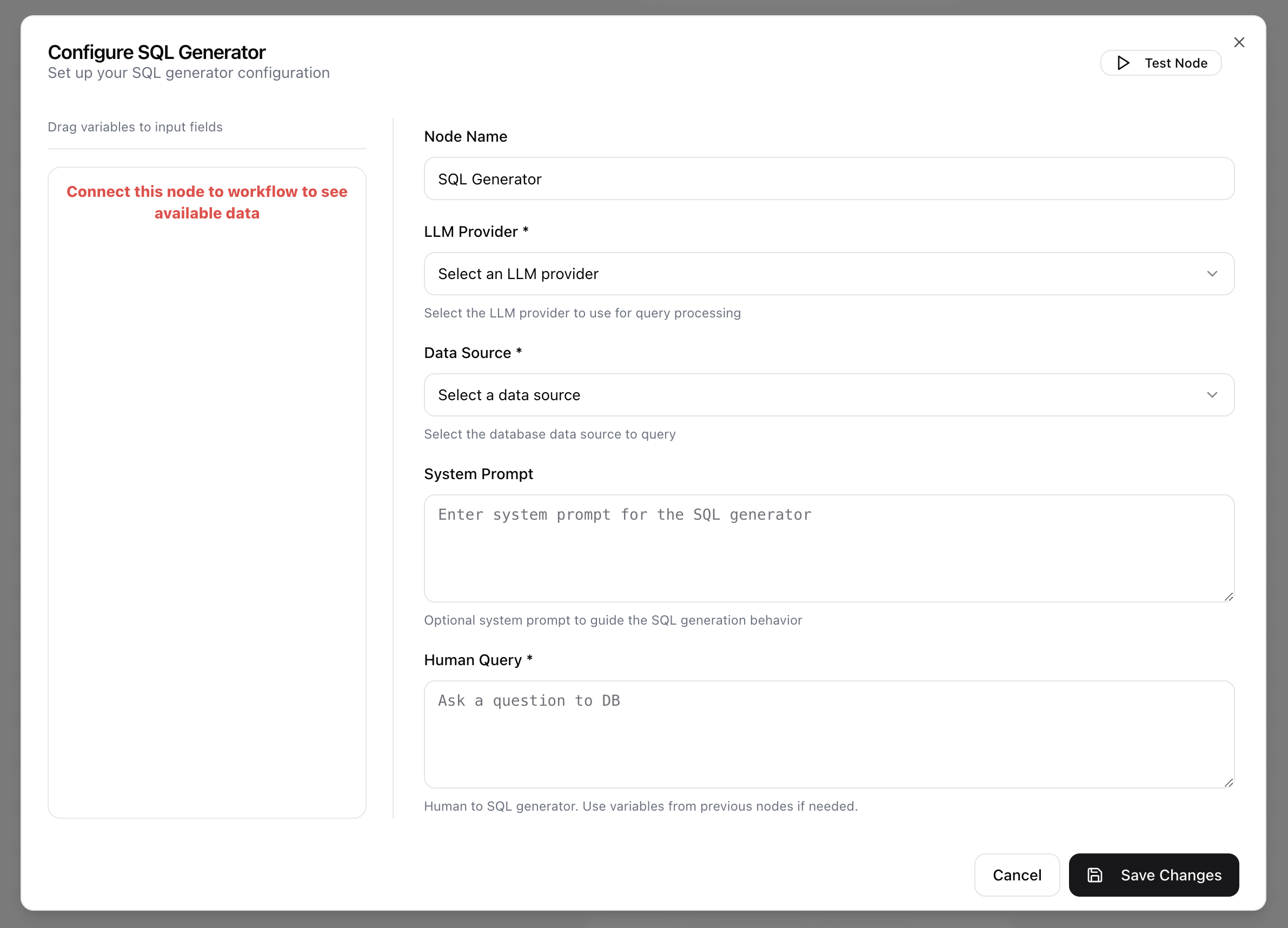
- Enter the Node Name.
- Select the LLM Provider from the drop-down menu. This specifies the preconfigured provider used for query interpretation and SQL generation.
- Select the Data Source from the drop-down menu. This identifies the database connection against which the generated SQL will run.
- Provide a System Prompt to guide SQL generation behavior. (Optional)
- Enter the Human Query, the natural language request to be converted into SQL.