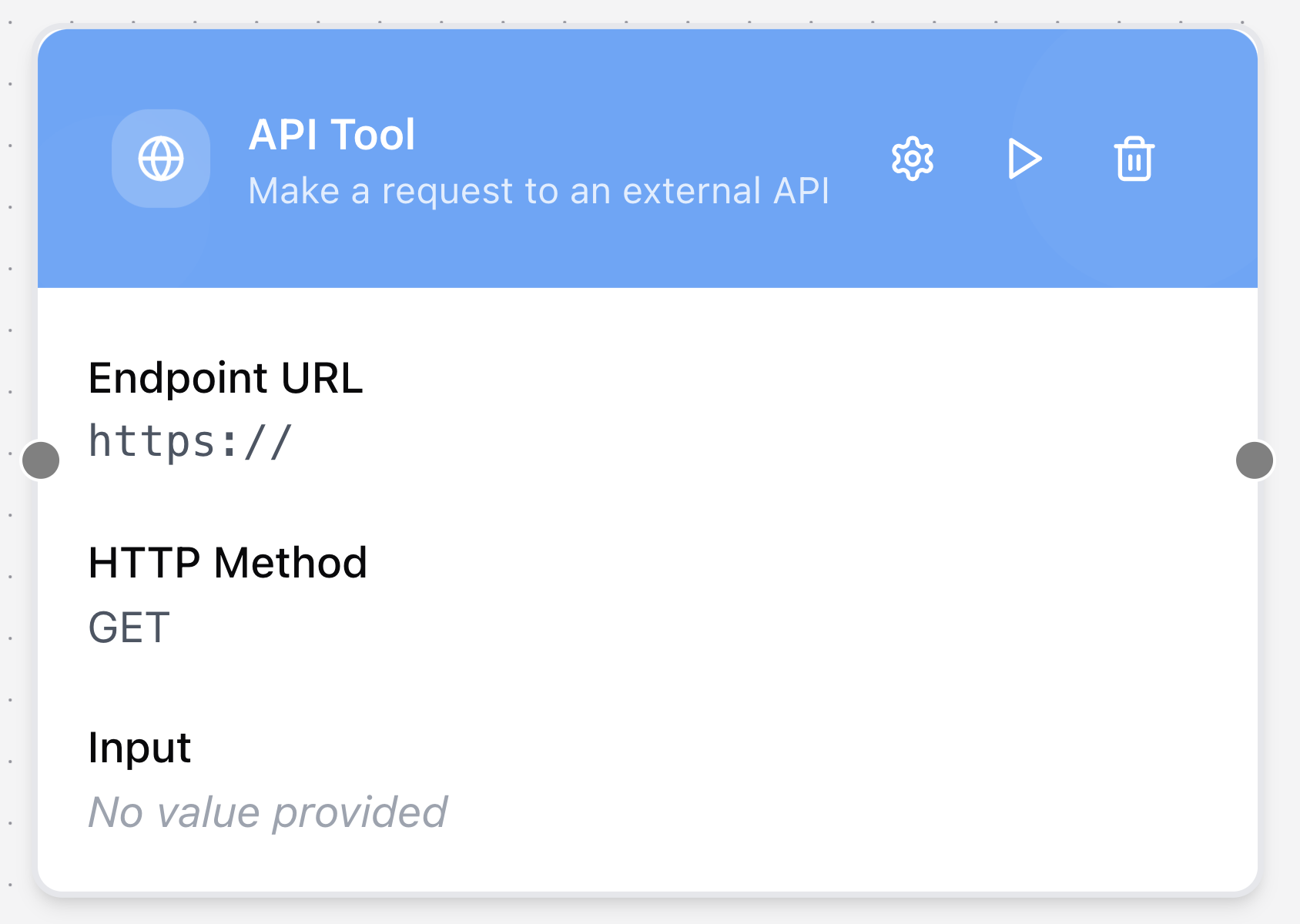
API Tool
The API Tool node enables real-time API calls to external services. This allows your workflow to connect with third-party applications, retrieve live data, or trigger actions outside the GenAssist platform.
Configuring the node
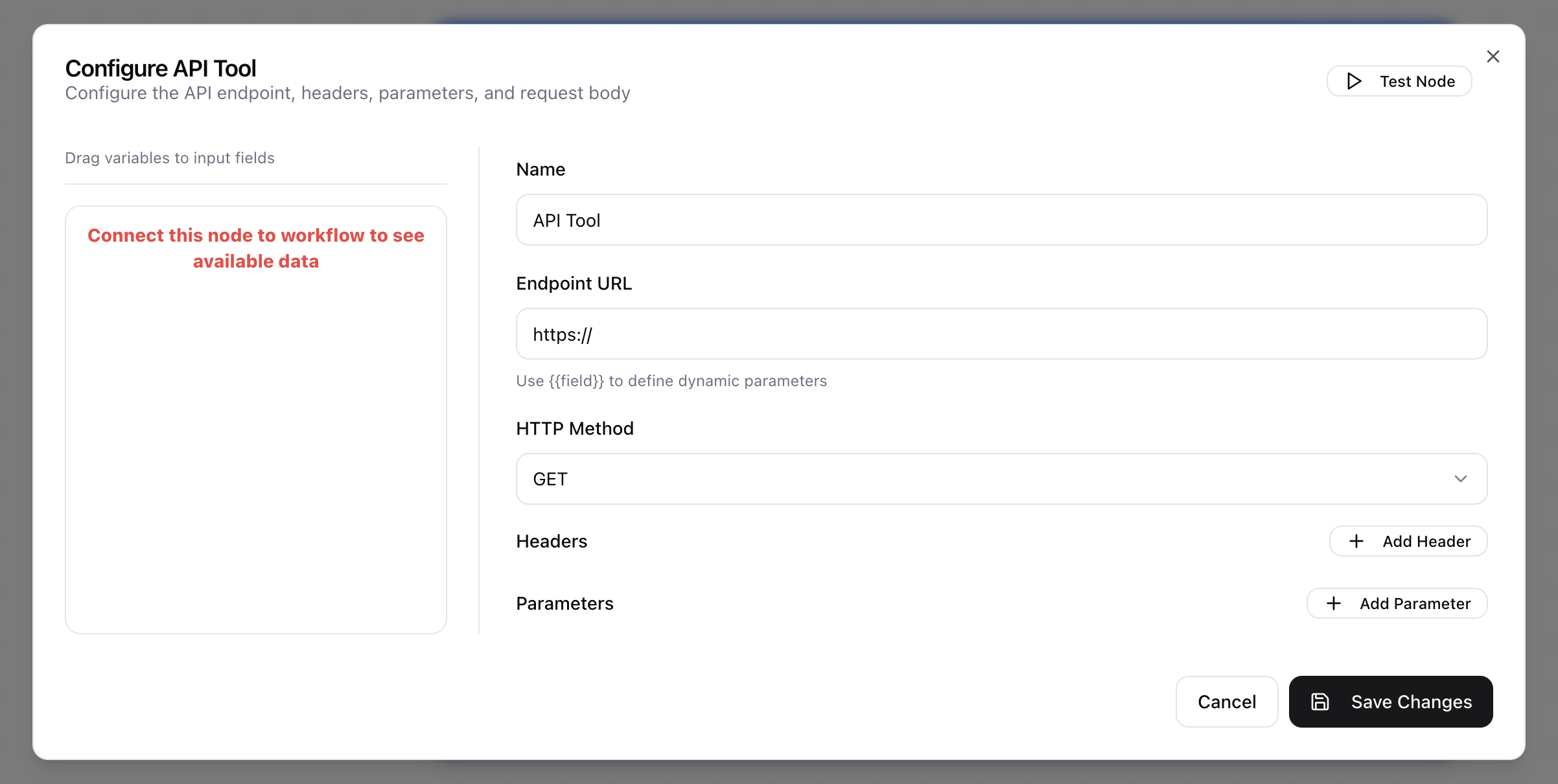
- Click in the node header.
- The Configure API Tool dialog will open.
- Enter a descriptive Name for the tool.
- Provide the Endpoint URL for the external service.
- Select the appropriate HTTP Method from the drop-down menu (GET, POST, PUT, DELETE, or PATCH).
- Add any required Headers (as key–value pairs) for authentication or content type.
- Add any necessary query or body Parameters (as key–value pairs).