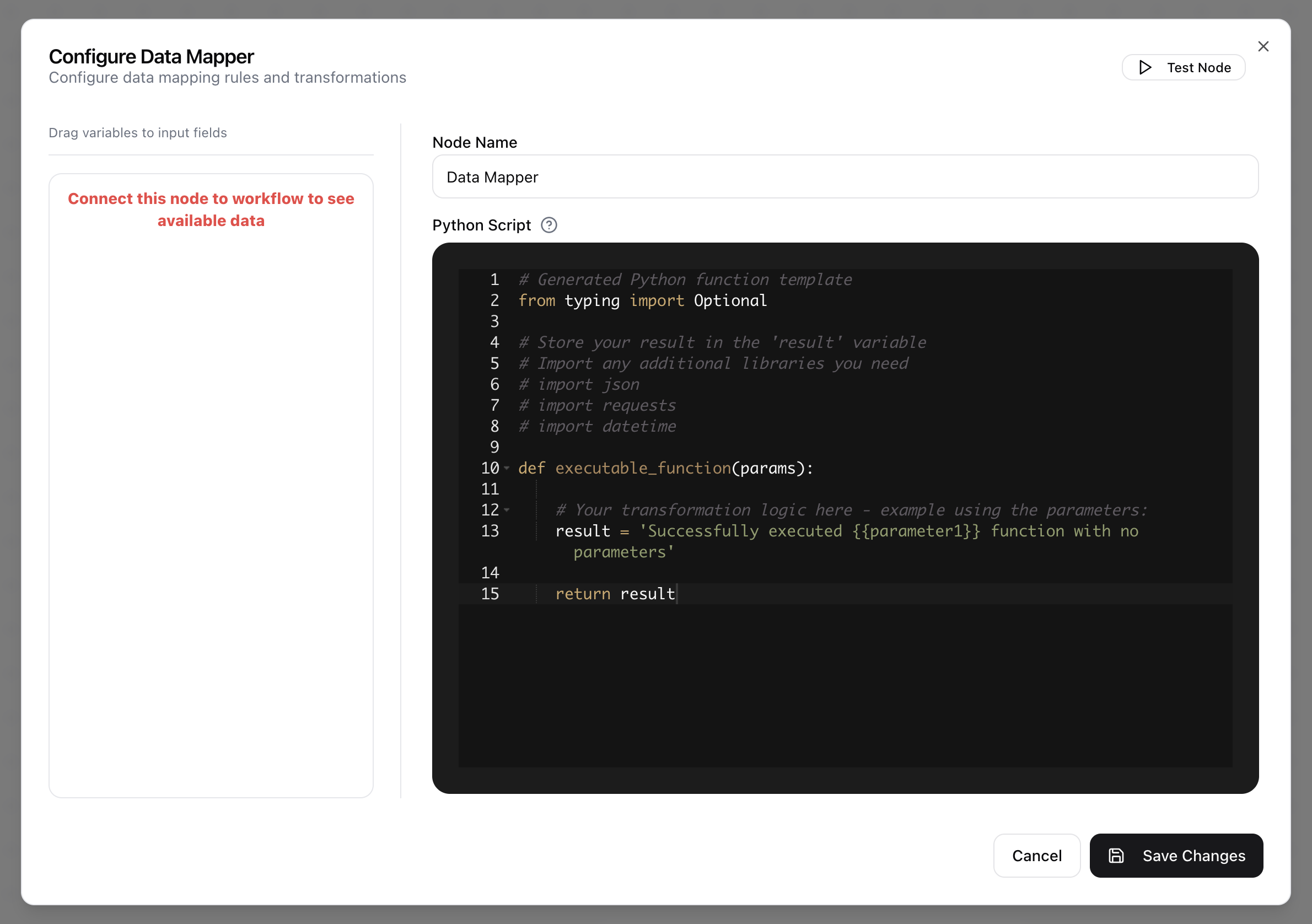
Data Mapper
The Data Mapper node is a versatile tool for transforming and mapping data between different formats. It allows you to manipulate data within the workflow using custom Python scripts, ensuring that the resulting structures align with the requirements of subsequent nodes. Scripts in the Data Mapper run on a real Python backend and must follow these rules:
- Input from the previous node is available in the variable
input_data. - Use a
returnstatement to produce the final transformed output. - The script’s output must match the chosen output type.
- Nested properties of the input can be accessed using standard dot notation.
- Functions from Python’s standard library are available for use.
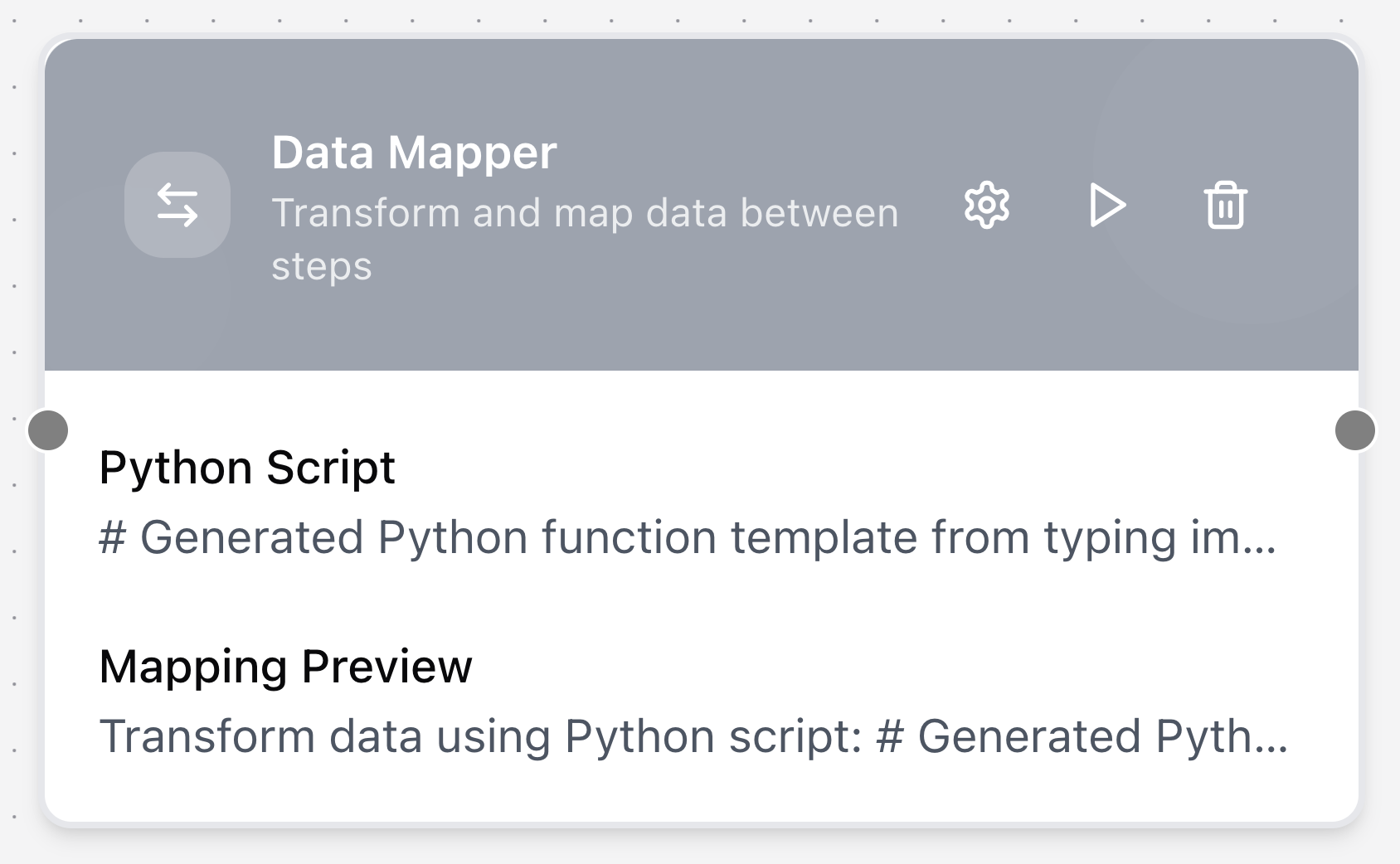
Configuring the node
- Click in the node header.
- The Configure Data Mapper dialog will open.
- Provide a Node Name.
- Enter your transformation logic in the Python Script editor.