Gmail Output
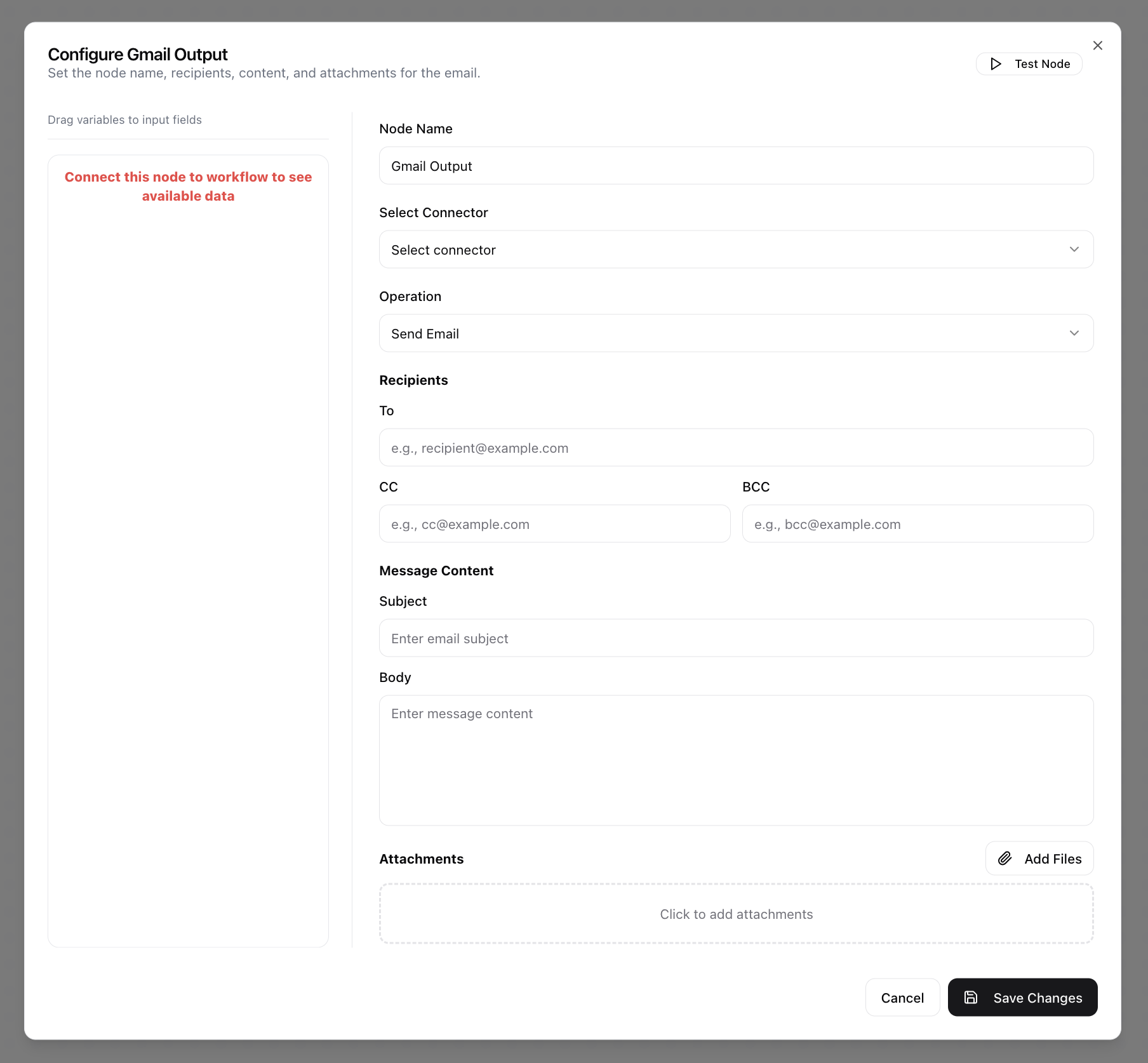
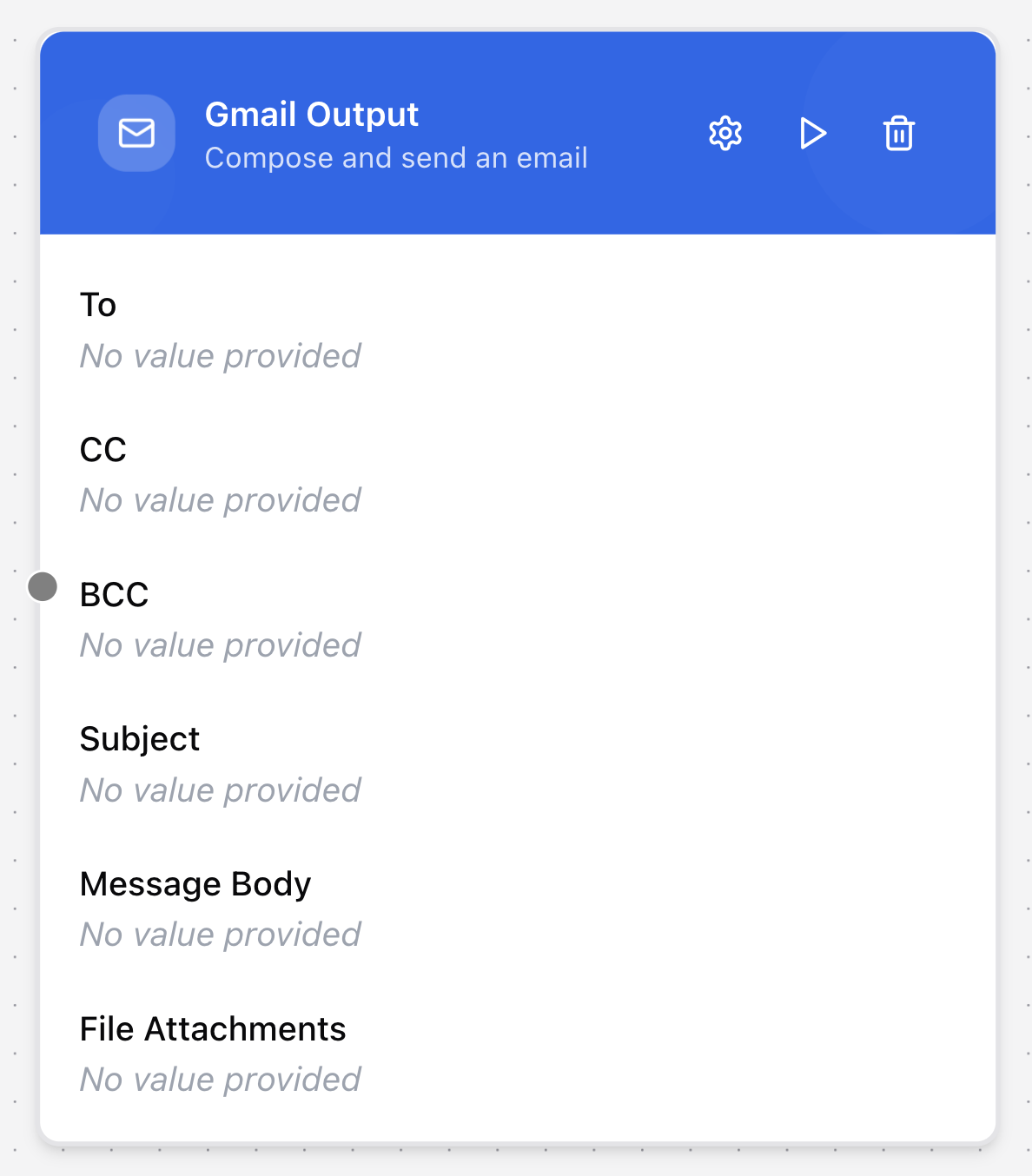
The Gmail Output node connects to the Gmail API to manage email operations within your workflow. Beyond sending emails, it can read, search, reply to, mark, or delete messages, giving you full control over Gmail interactions directly from your automation.
Configuring the node
- Click in the node header.
- The Configure Gmail Output dialog will open.
- Enter the Node Name.
- Select the Connector from the drop-down menu. This must be a preconfigured Gmail-type Data Source that links GenAssist to a Google account.
- Choose the Operation (Send Email, Get Messages, Mark as Read, Delete Message, Reply to Email, or Search Emails).
- Enter the primary recipient(s) in the To field.
- Enter carbon copy recipient(s) in the CC field.
- Enter blind carbon copy recipient(s) in the BCC field.
- Enter the Subject of the email.
- Provide the email content in the Body text area.
- Specify any Attachments to include.