Knowledge Base
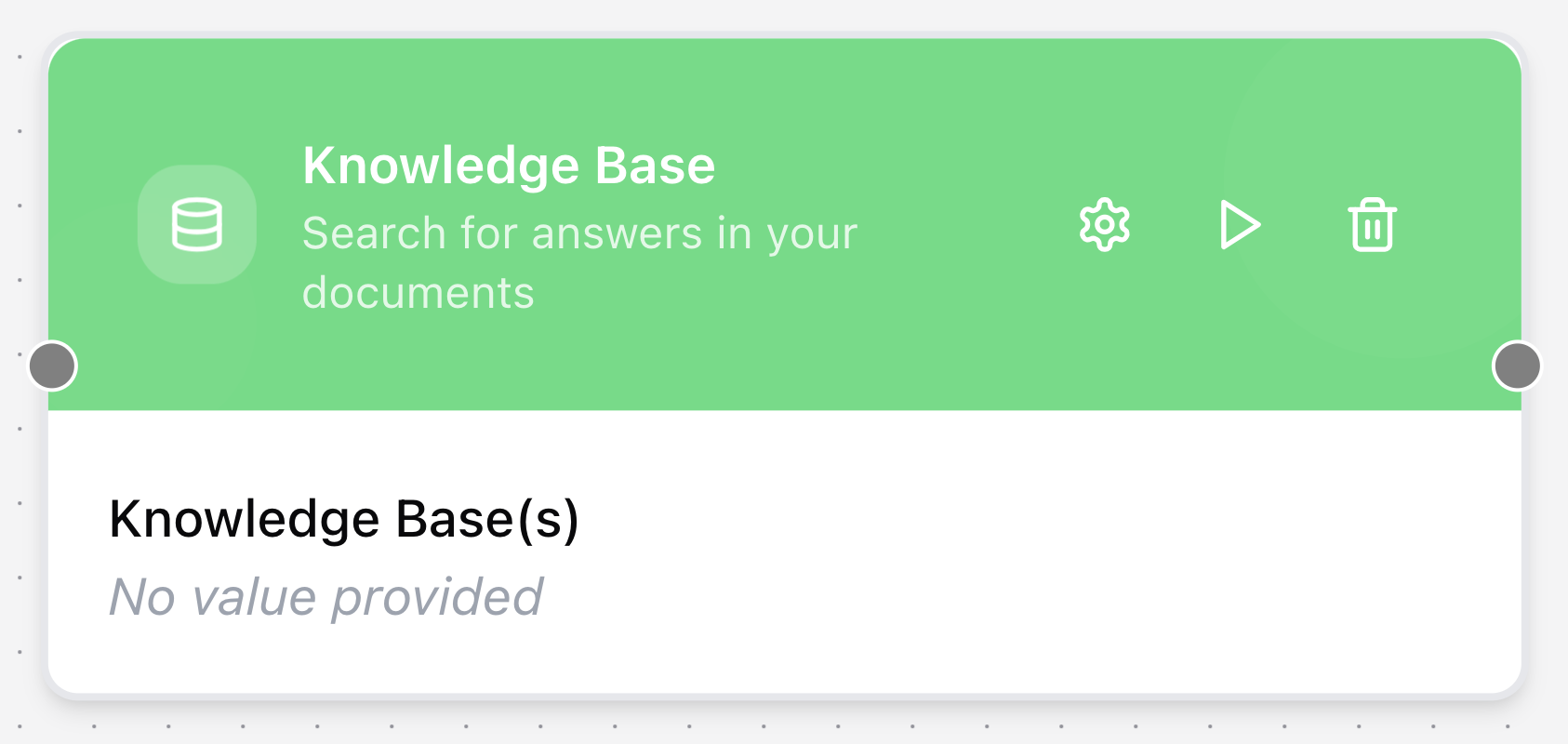
The Knowledge Base node retrieves information from multiple knowledge bases. It uses Retrieval-Augmented Generation (RAG) to search a preconfigured collection of data and return relevant context, often for use by an Agent node.
Configuring the node
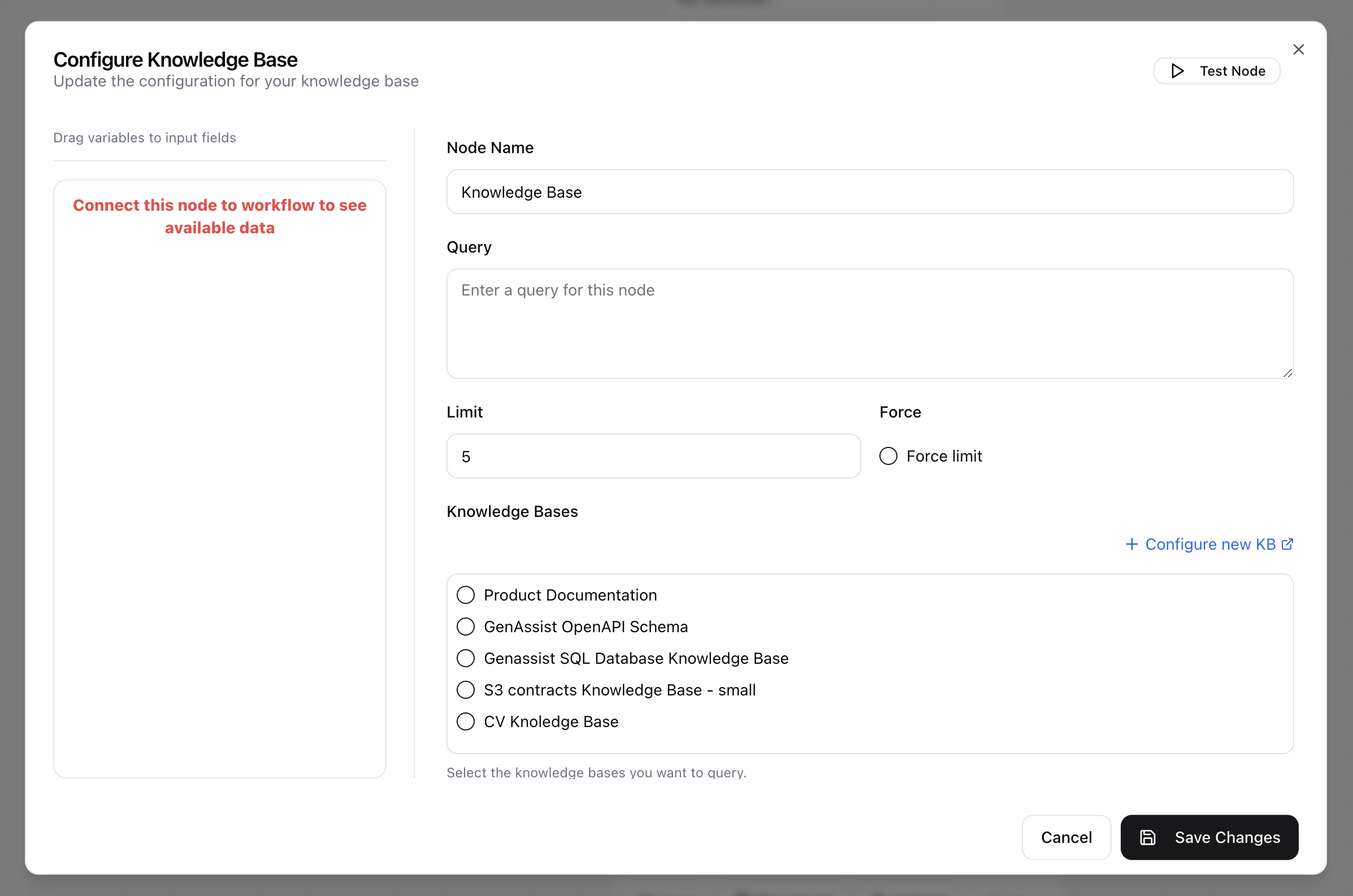
- Click in the node header.
- The Configure Knowledge Base dialog will open.
- Enter the Node Name.
- Provide the Query to send to the knowledge bases.
- Set the Limit, which controls how many chunks with the highest similarity scores are returned.
- Enable or disable the Force limit option.
- Select one or more preconfigured Knowledge Bases from the list. If the required knowledge base is missing, use the Configure new KB link to create one.