Slack Message
The Slack Message node integrates directly with Slack. It can either send messages to a Slack user or channel, or receive incoming chat messages. This enables workflows to interact seamlessly within a Slack workspace.
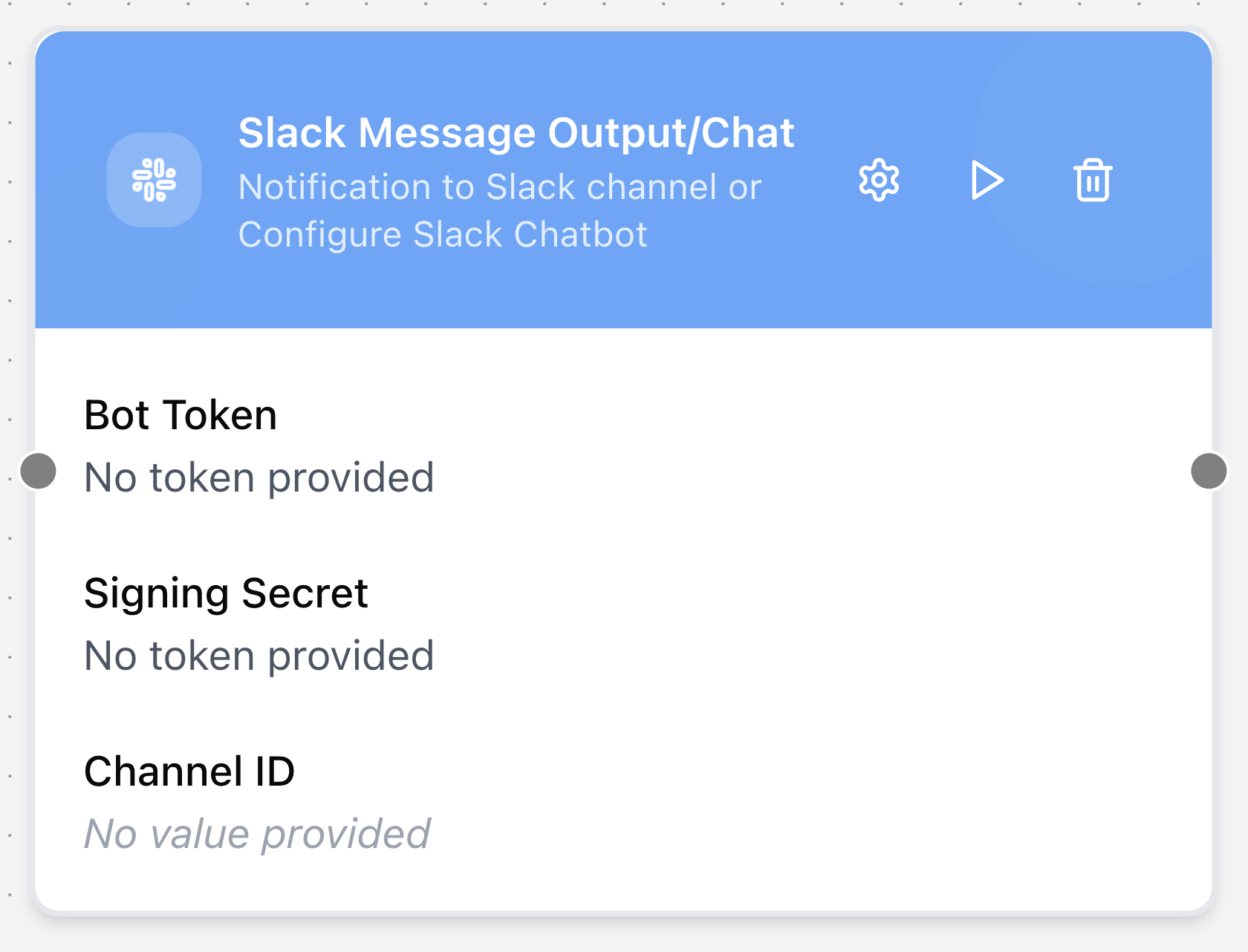
Configuring the node
- Click in the node header.
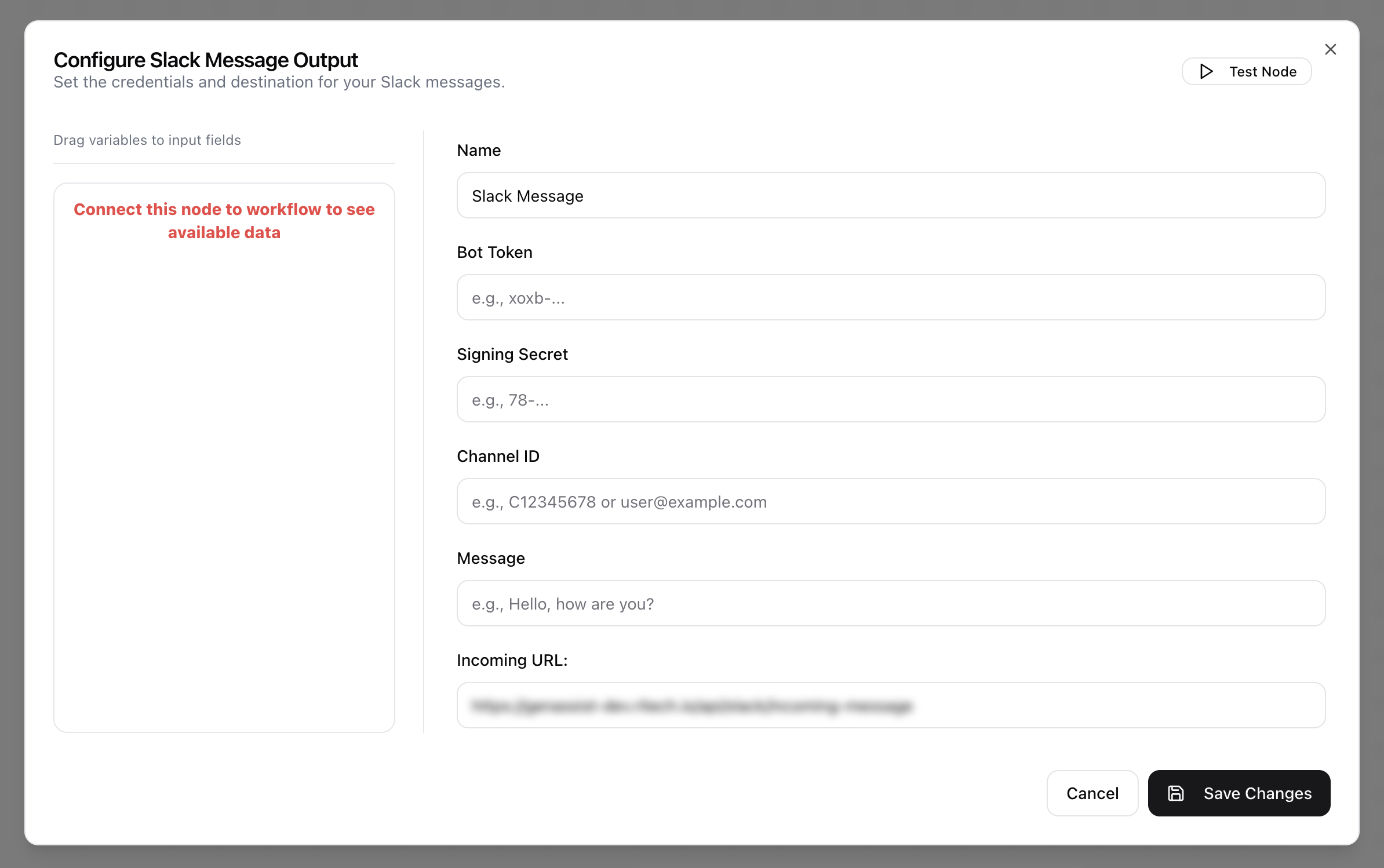
- The Configure Slack Message Output dialog will open.
- Provide a descriptive Name for the tool.
- Provide the Bot Token for authentication.
- Provide the Signing Secret.
- Enter the Channel ID to specify the target channel or user for outgoing messages.
- Enter the Message content.
- Review the Incoming URL. This field is read-only and provides the dedicated endpoint for receiving incoming Slack messages.