User Types
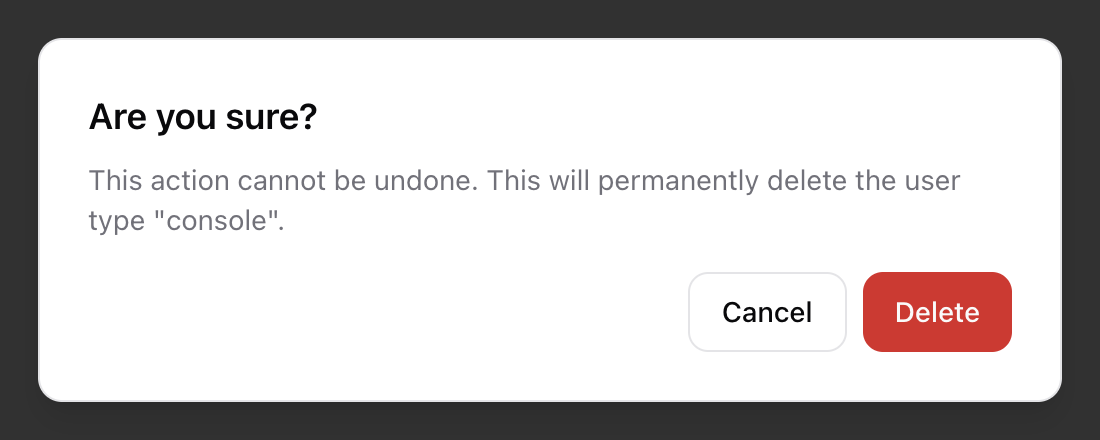
User types are a way to classify users into categories. While roles control permissions, user types help group users logically for reporting, filtering, or configuration purposes.
To manage user types, navigate to Admin → User Types from the main navigation menu. This will display a list of all existing user types.
Creating a User Type
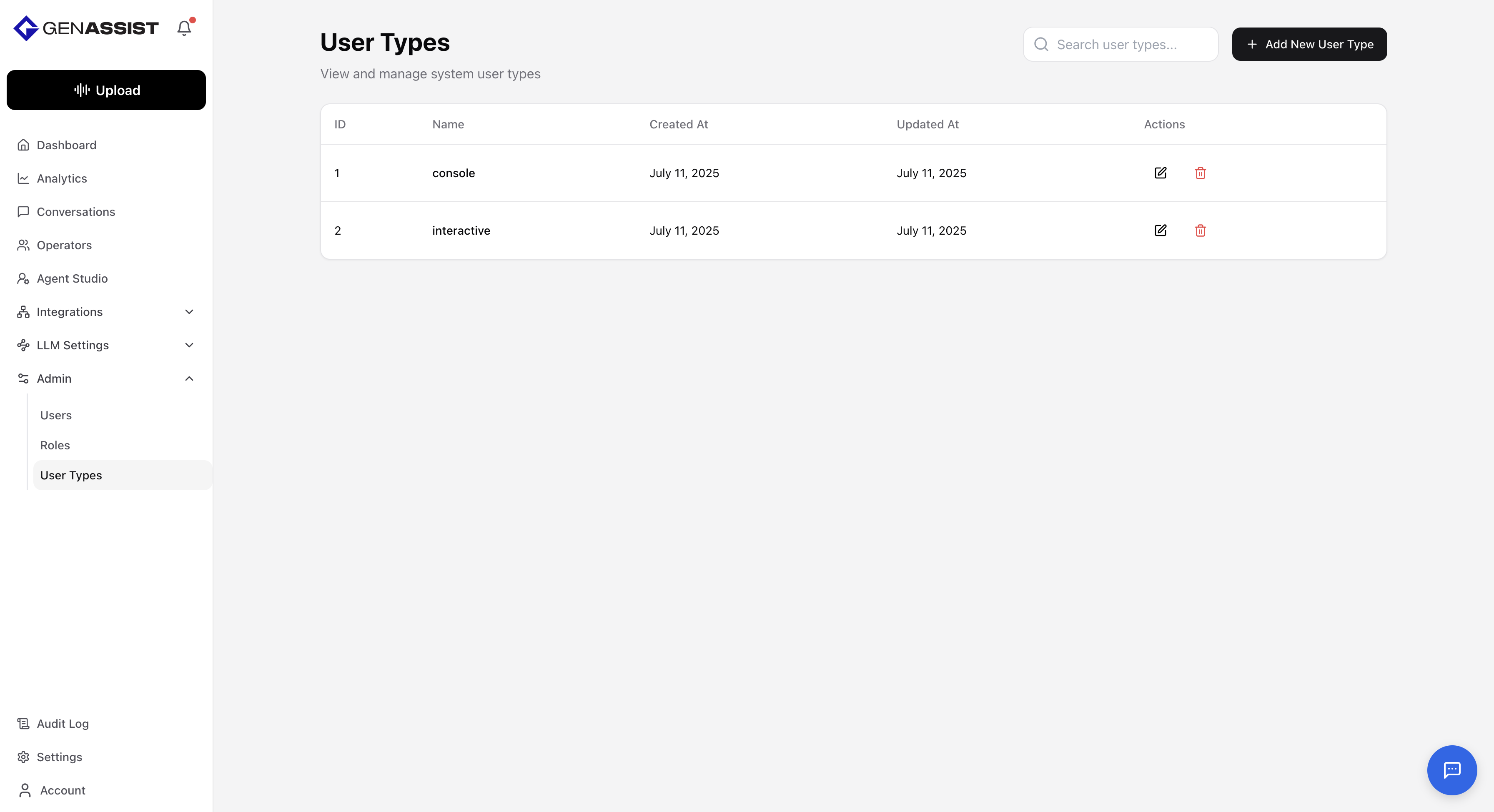
- Click the + Add New User Type button in the top-right corner.
- The Create New User Type dialog will appear.
- Provide a Name for the user type.
- Click Create User Type.
Editing a User Type
- Click in the Action column.
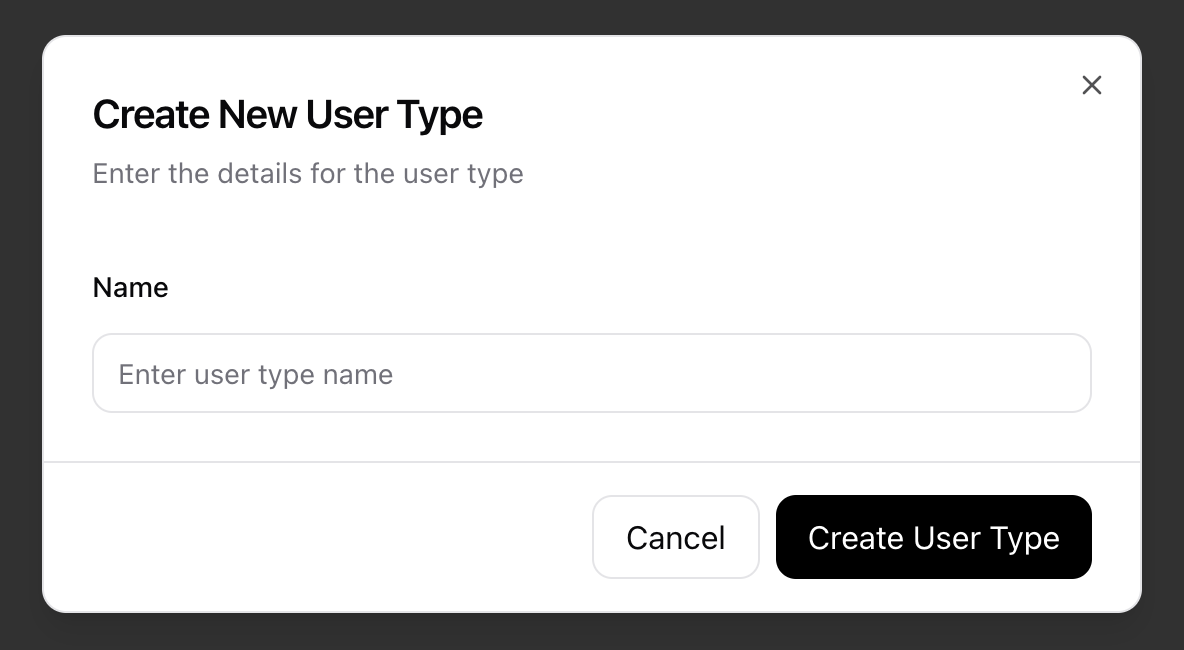
- The Edit User Type dialog will appear, prefilled with the user type's name.
- Change the user type's Name.
- Click Update User Type to save the change.
Deleting a User Type
- Click in the Action column.
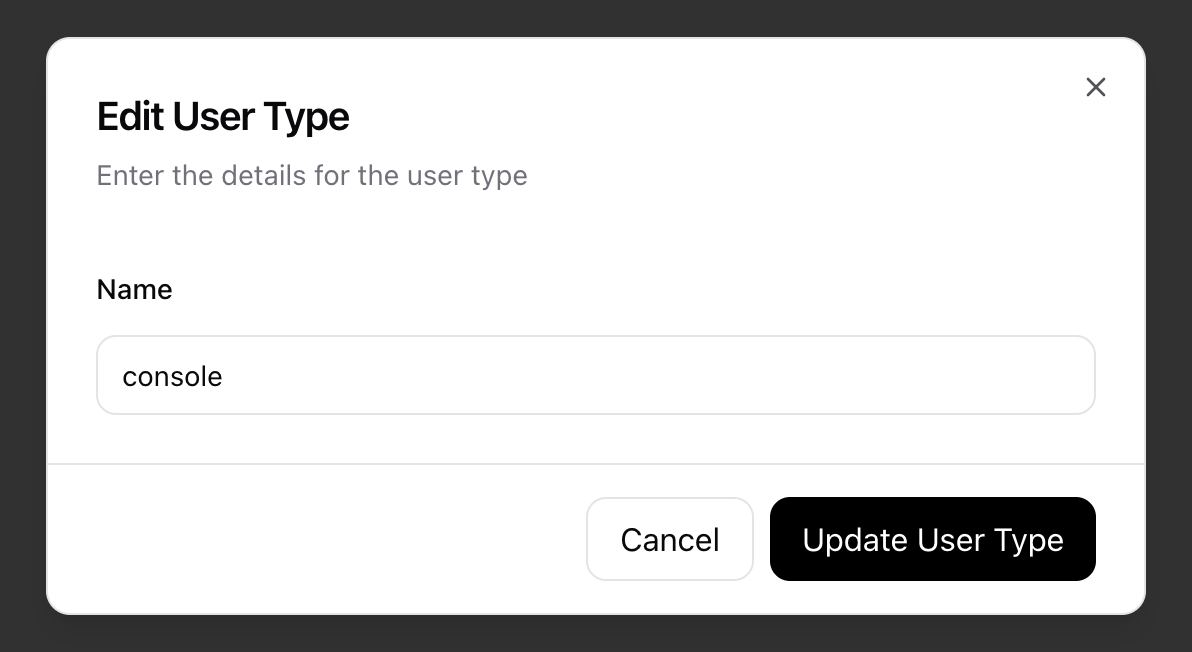
- A confirmation dialog will appear to prevent accidental deletion.
- Click Delete to permanently remove the user type.