Operators
In The Dashboard Tab
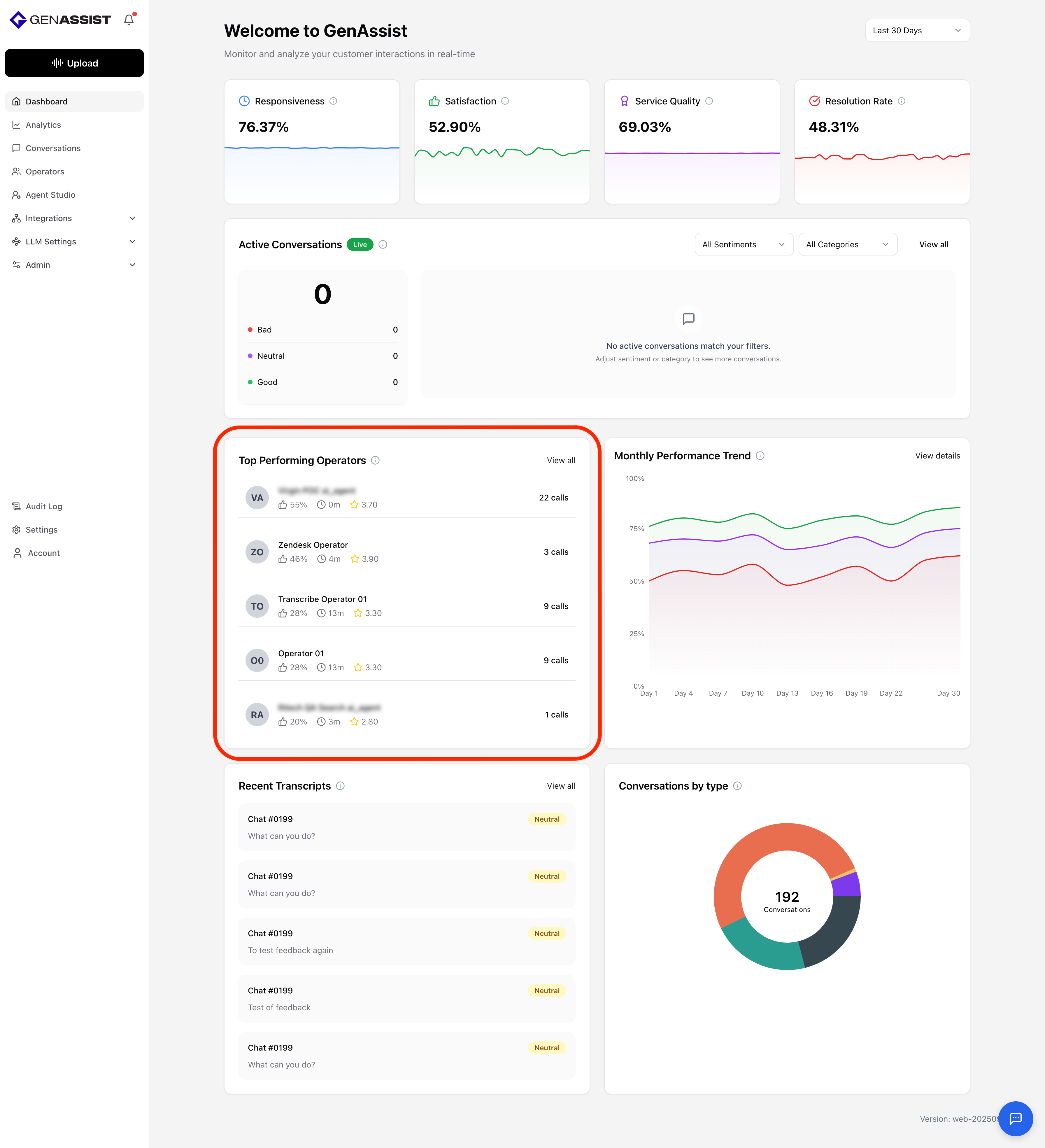
The Dashboard includes a Top Performing Operators section, which highlights operators ranked by customer satisfaction scores and overall performance metrics such as average response time, call volume, and quality ratings. This helps managers quickly identify top contributors, recognize excellent performance, and uncover opportunities for coaching or training.
In The Operators Tab
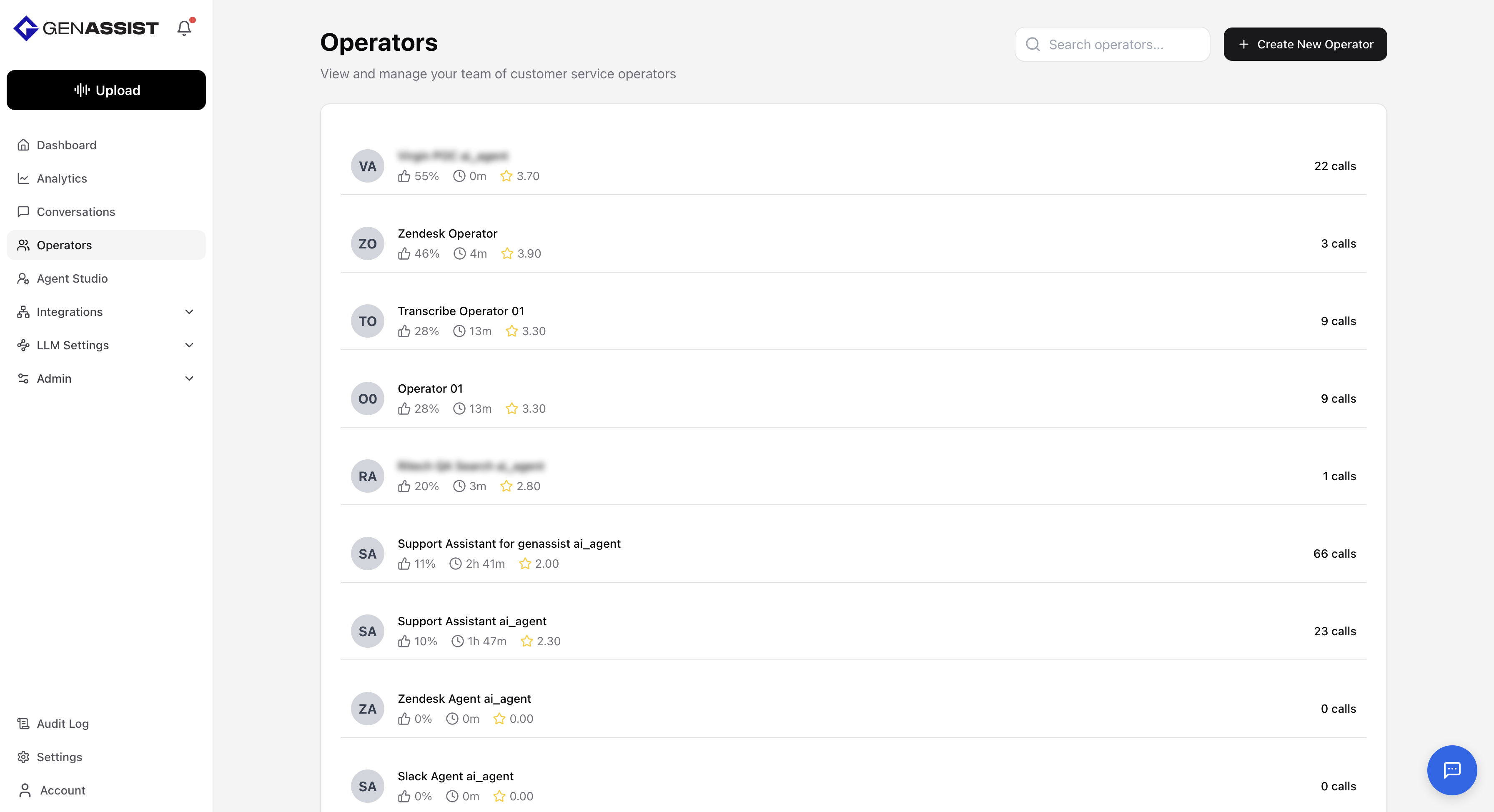
The Operators tab shows the complete list of operators along with their detailed performance data.
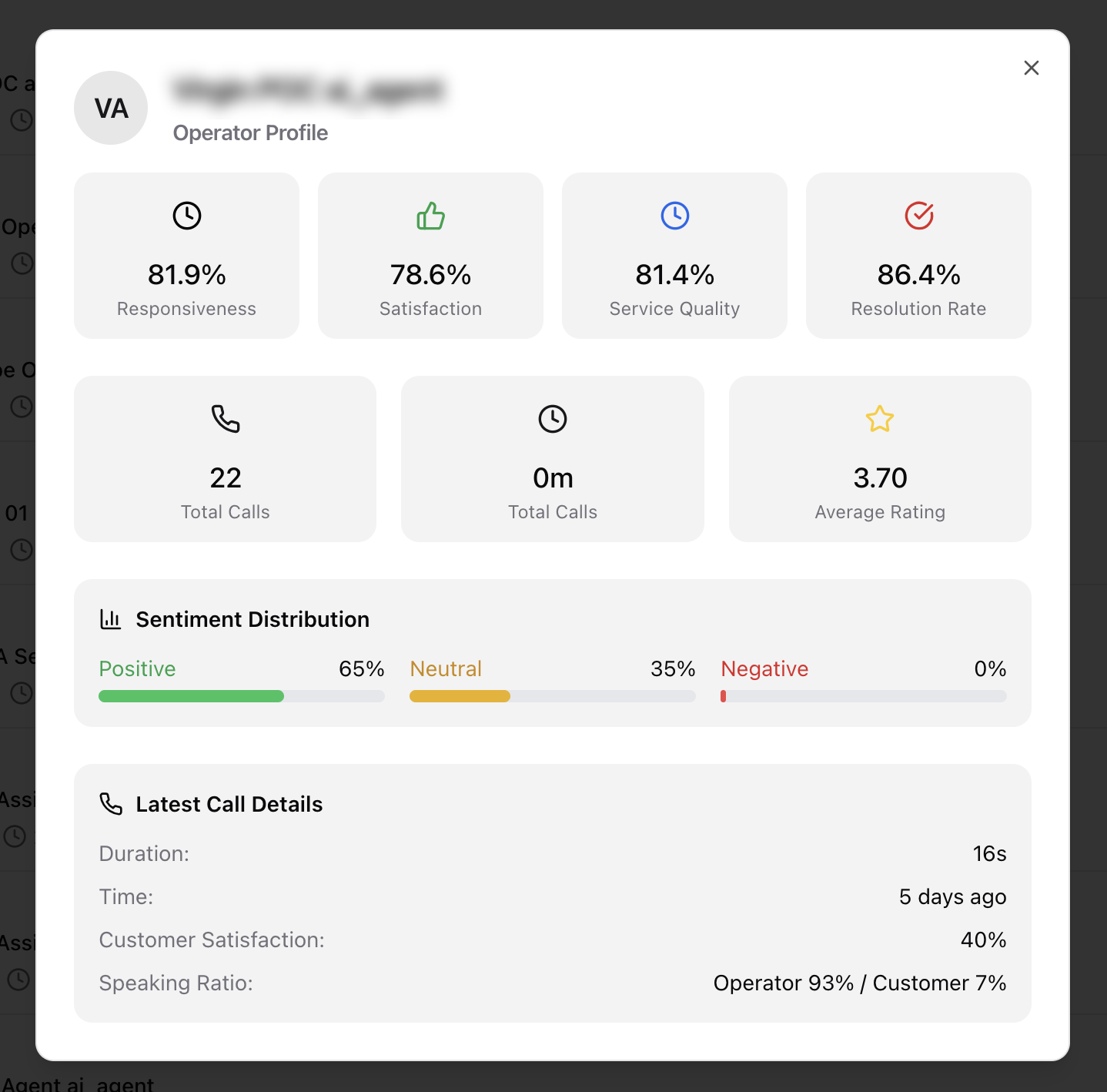
Users can click into an operator to open a dialog, showing the following information:
- The operator’s responsiveness, satisfaction, service quality, and resolution rate.
- Aggregate statistics such as the total number of calls handled, the total call duration in minutes, and the operator’s average rating.
- Sentiment distribution, broken down into Positive, Neutral, and Negative percentages.
- Details on the latest call, including its duration, time, customer satisfaction rating, and the operator-to-customer speaking ratio.
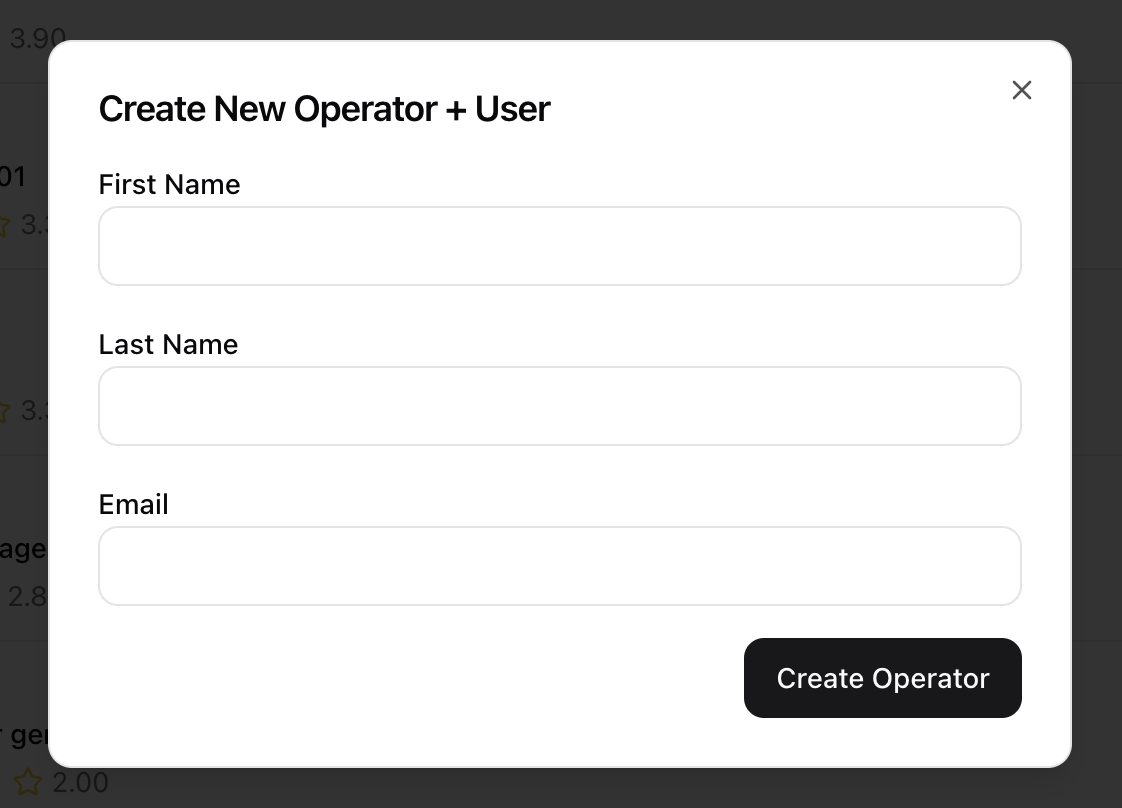
Creating an Operator
The Operators tab also includes management capabilities, such as creating new operators:
- Click the + Create New Operator button in the top-right corner.
- The Create New Operator + User dialog will appear.
- Enter a First Name.
- Enter a Last Name.
- Provide an Email address.
- Click Create Operator.